Meds@Home: Coordinated Medication Safety for Complex Pediatric Care
Meds@Home is a digital health experience designed to help families safely manage medications for children with complex medical needs. It brings caregivers, support networks, and clinicians together in one shared experience to make medication management easier and more coordinated.
Role & Expertise
Problem Statement
Families caring for children with complex medical needs often have to manage multiple medications across different caregivers, making it difficult to keep everyone on the same page. Without a shared way to track medications and communicate, important details can get missed, leading to missed doses, errors, and added stress for parents and caregivers.
How might we keep medication status in sync across caregivers in real time, helping prevent double doses and making it easier for everyone to stay on the same page?
– Caregiver Coordination
How might we give caregivers a simple way to log medications while keeping prescription schedules protected and under clinical control?
– Safety & Execution
How might we bridge home administration logs directly with clinicians to ensure rapid, documented care adjustments during critical treatment windows?
– Clinical Continuity
Project Goals
- • Medication Safety: Improve medication logging to significantly minimize error risks.
- • Caregiver Coordination: Synchronize real-time schedules across primary and secondary caregivers.
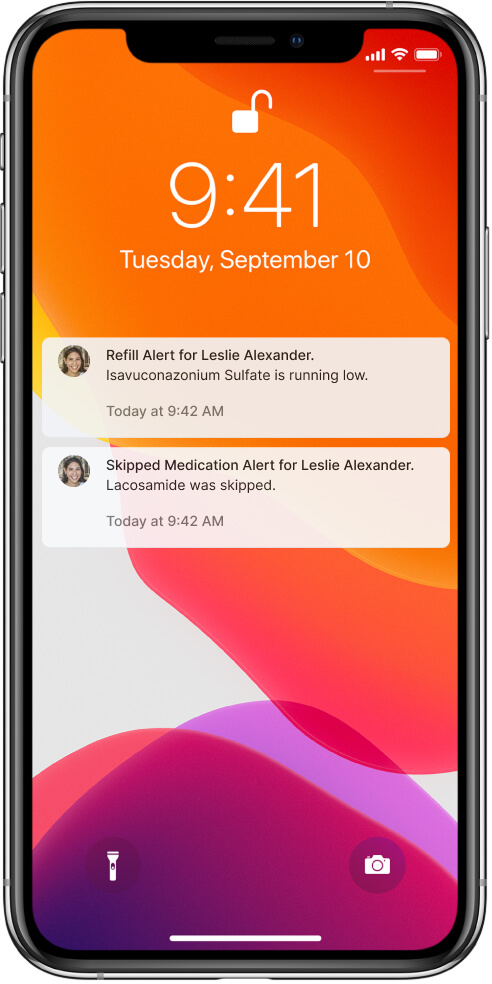
- • Real-Time Alerts: Deliver automated notifications for upcoming schedules and missed doses.
- • Intuitive UX: Ensure seamless usability for caregivers across varying technical backgrounds.
- • Clinical Scalability: Connect home logs directly with healthcare providers and safety experts.
Target Audience & Personas
Parents or guardians managing complex daily medical regimens, prescription changes, and scheduling.
"I constantly worry that handing off care to a relative or babysitter will lead to a missed or duplicated dose."
Extended family members, babysitters, or home nurses stepping in for daily support.
"I just need an exact list of what to give and when, without feeling like I might click the wrong button and change a prescription."
Clinicians who track compliance and adjust home care plans remotely.
"Having a real-time, accurate log of home administration helps us make safe adjustments without relying on memory."
Discovery & Research Strategy
Because pediatric medication safety is so important, discovery focused on working closely with medical professionals and understanding the realities of managing medications at home.
Multi-Disciplinary Team Syncs
Held weekly sessions with a diverse group of doctors, clinical facilitators, parents, and therapists. Their input helped us balance clinical safety requirements with the real-world challenges and emotions families face when managing complex care at home.
Competitive Analysis
Reviewed existing medication trackers and health portals to understand where they fell short for complex pediatric care. We found that many generic tools weren't built for multiple caregivers, making it difficult to give support caregivers access to what they needed without risking changes to medication schedules set by a parent or clinician.
Process Logic & User Permissions
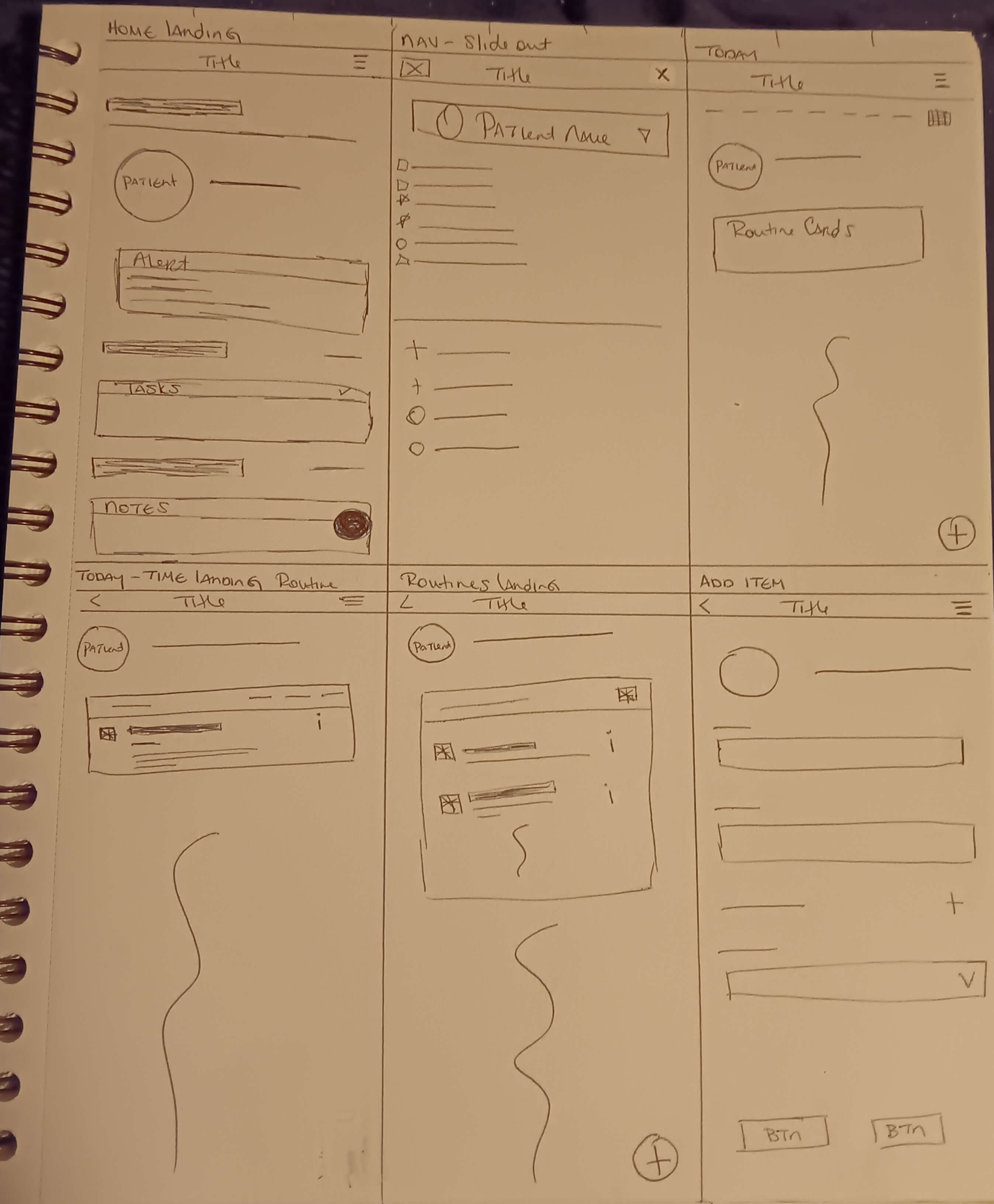
Before opening Figma, we mapped out user journeys to solve a complex architectural challenge: how to synchronize live data safely across three distinct user roles without causing notification fatigue.
Key Architectural Decisions
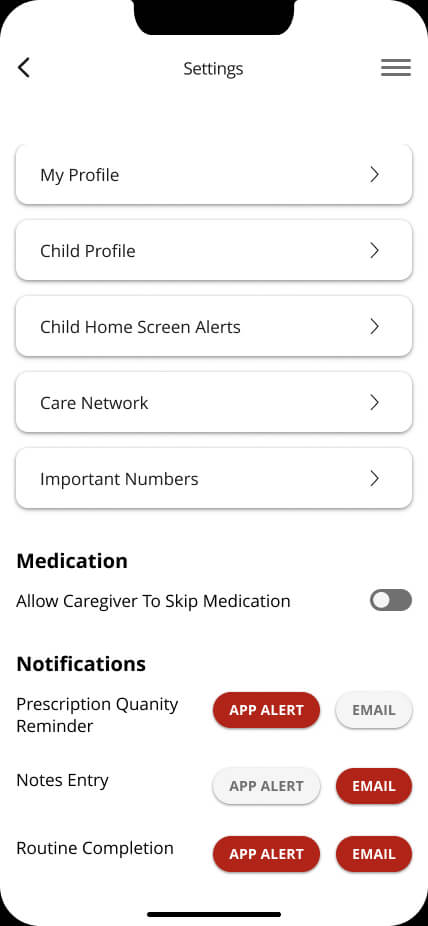
- • Role-Based Access Control: Designed strict permission tiers. Primary caregivers hold "Admin" rights to add/edit medications, while secondary caregivers are restricted to viewing schedules and logging administration.
- • Centralized Truth Log: Engineered a real-time, shared daily schedule to eliminate the "Did you give him his medicine?" text message chain and prevent double-dosing.
- • Actionable Alerts: Structured notifications so that missed dose alerts escalate to the primary caregiver, ensuring critical windows are never entirely missed.
Key Features
1. Medication Administration Tracking
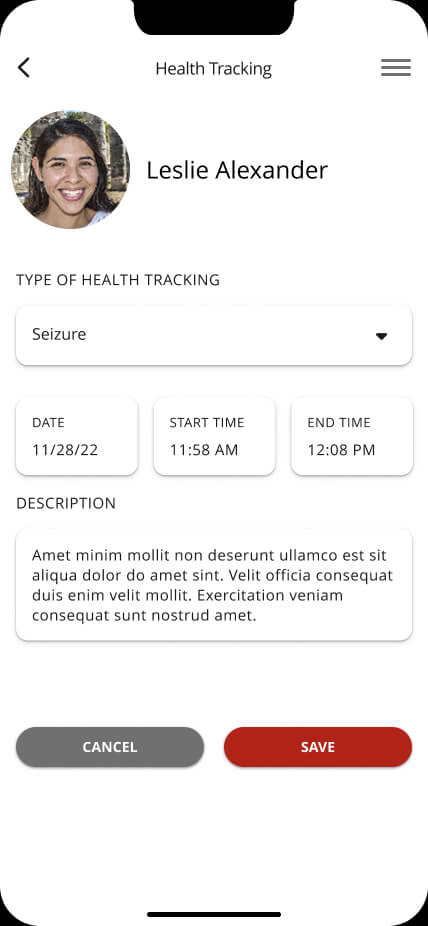
Log exact dosages, timing, and special administration instructions with instant schedule logging.
2. Real-Time Caregiver Sync
Shared active logs prevent duplicate dosing and keep all caregivers updated on patient status.
3. Clinical Expert Integration
Remote access portal allows clinical safety experts to review logs and offer timely guidance.
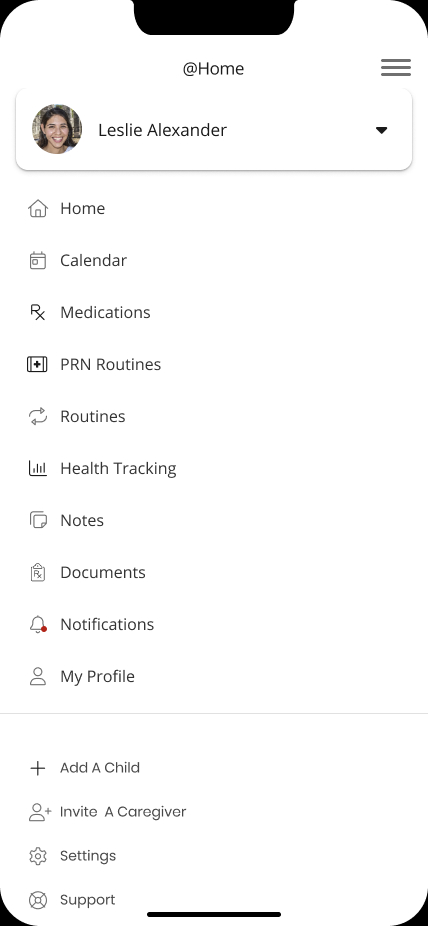
4. Role-Based User Profiles
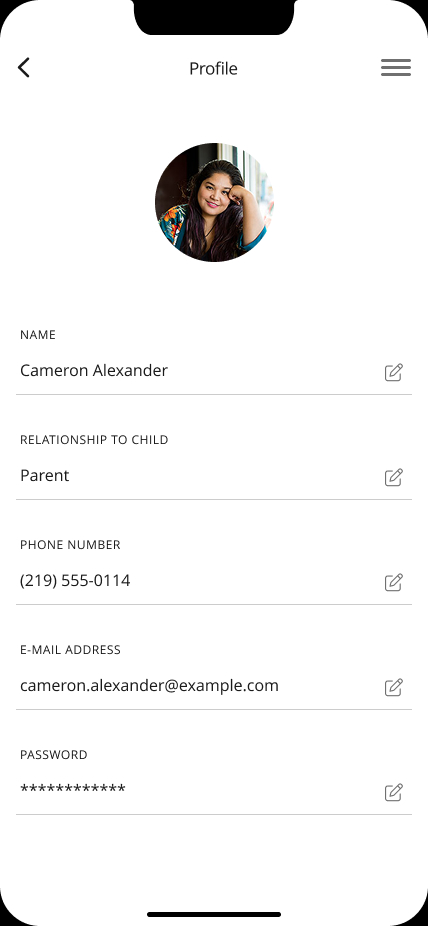
Customized permission tiers grant or restrict access controls according to caregiver duties.
5. Automated Reminders & Alerts
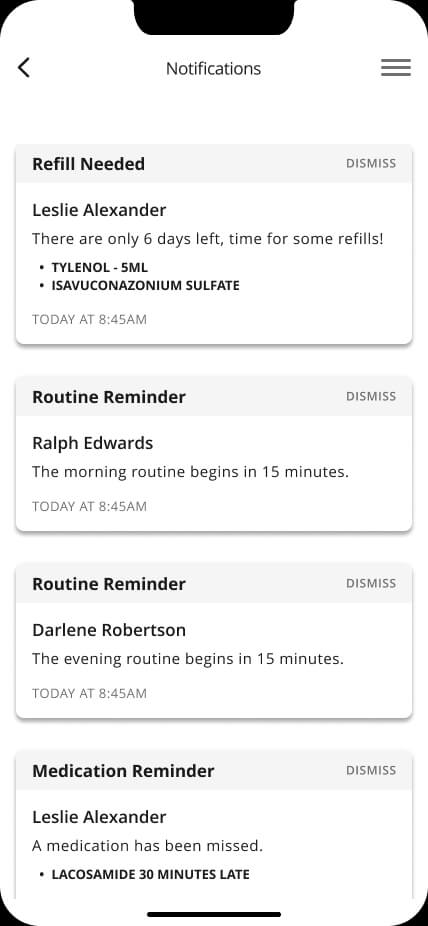
Push notifications highlight pending doses and immediately flag missed administration windows.
6. Visual Reports & Analytics
Clear analytics dashboards visualize adherence trends for family reviews and clinical consultations.
Results & Impact
Implementation of the Meds@Home platform generated measurable improvements in safety and caregiver confidence:
Improved
Medication Adherence
Increased
Caregiver Coordination
Enhanced
Patient Safety Standards
Reduced
Medication Errors
Caregivers and clinical experts provided overwhelming praise for Meds@Home, recognizing its potential to transform home care safety for complex pediatric patients across diverse caregiving networks.
Design Evolution
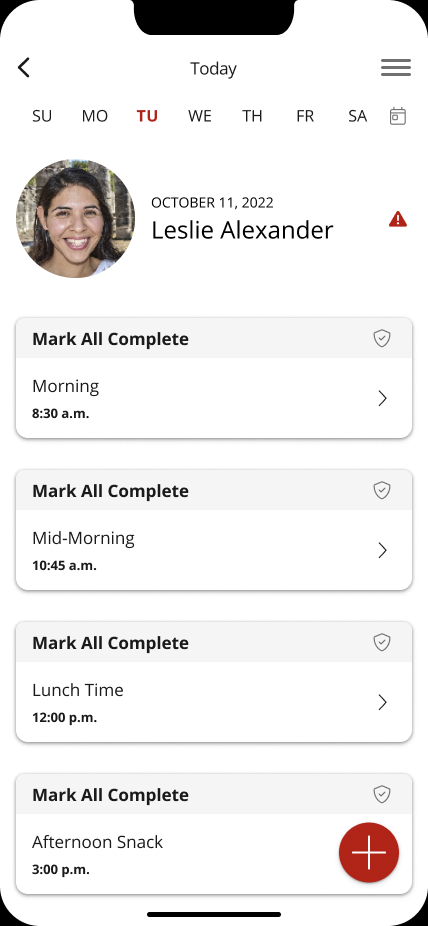
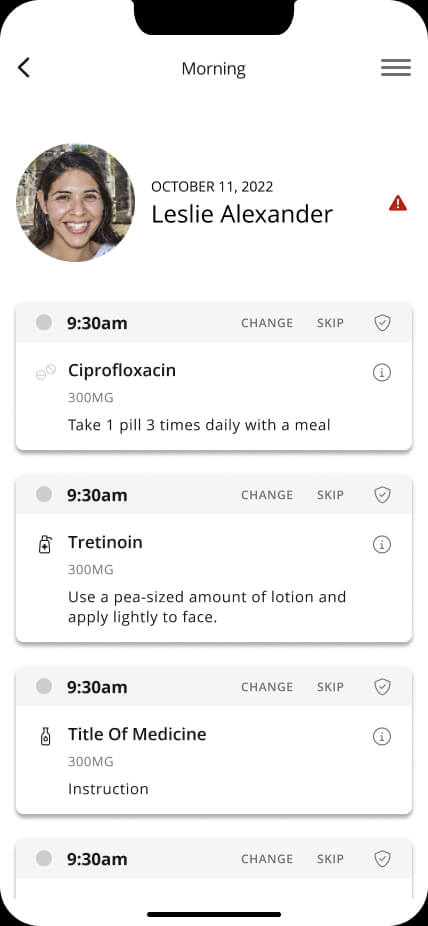
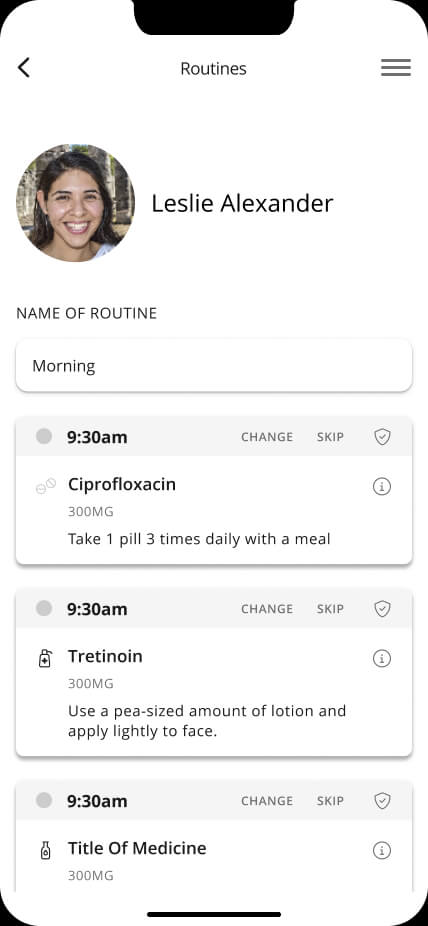
Daily Schedule Tracking
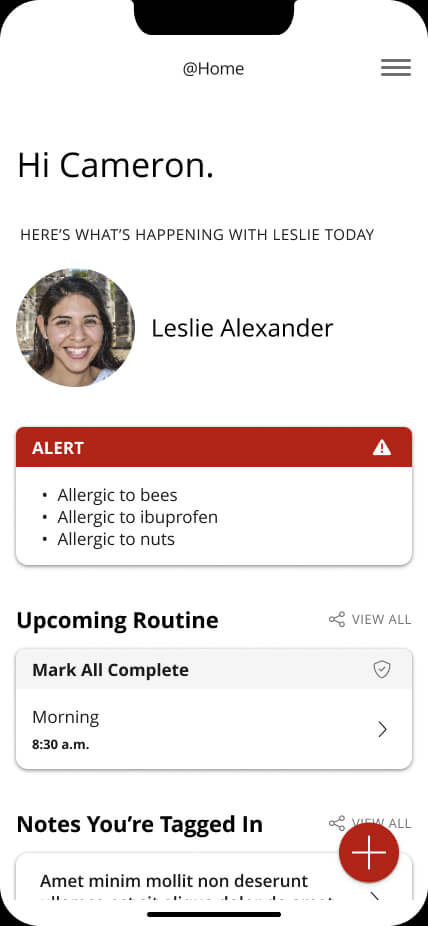
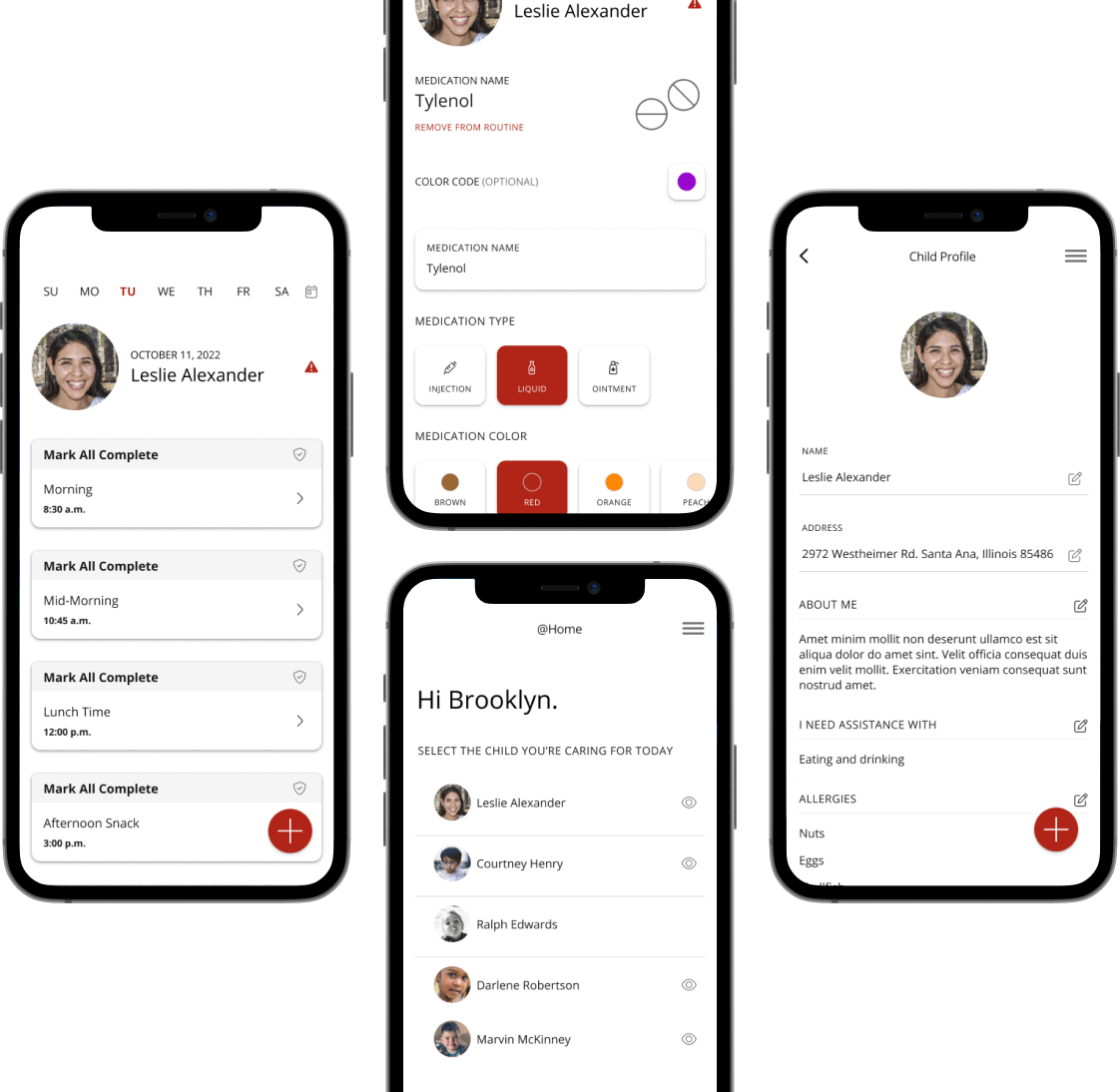
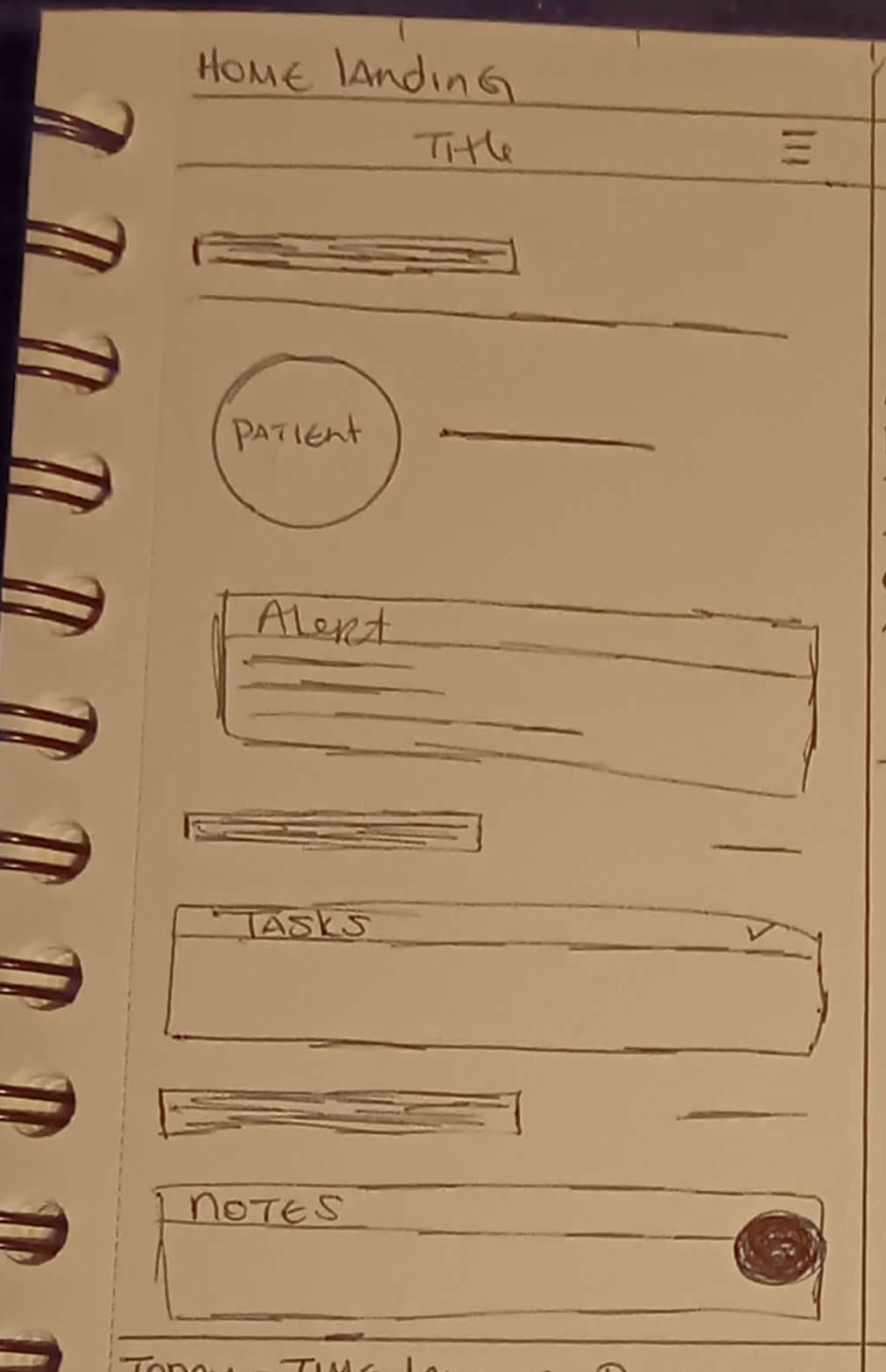
• Making Medication Status Easy to See: To help prevent duplicate doses, the daily schedule uses clear visual indicators for Completed and Missed medications. If a dose is missed, an alert on the main dashboard makes it immediately visible to caregivers, helping everyone stay informed and on track.
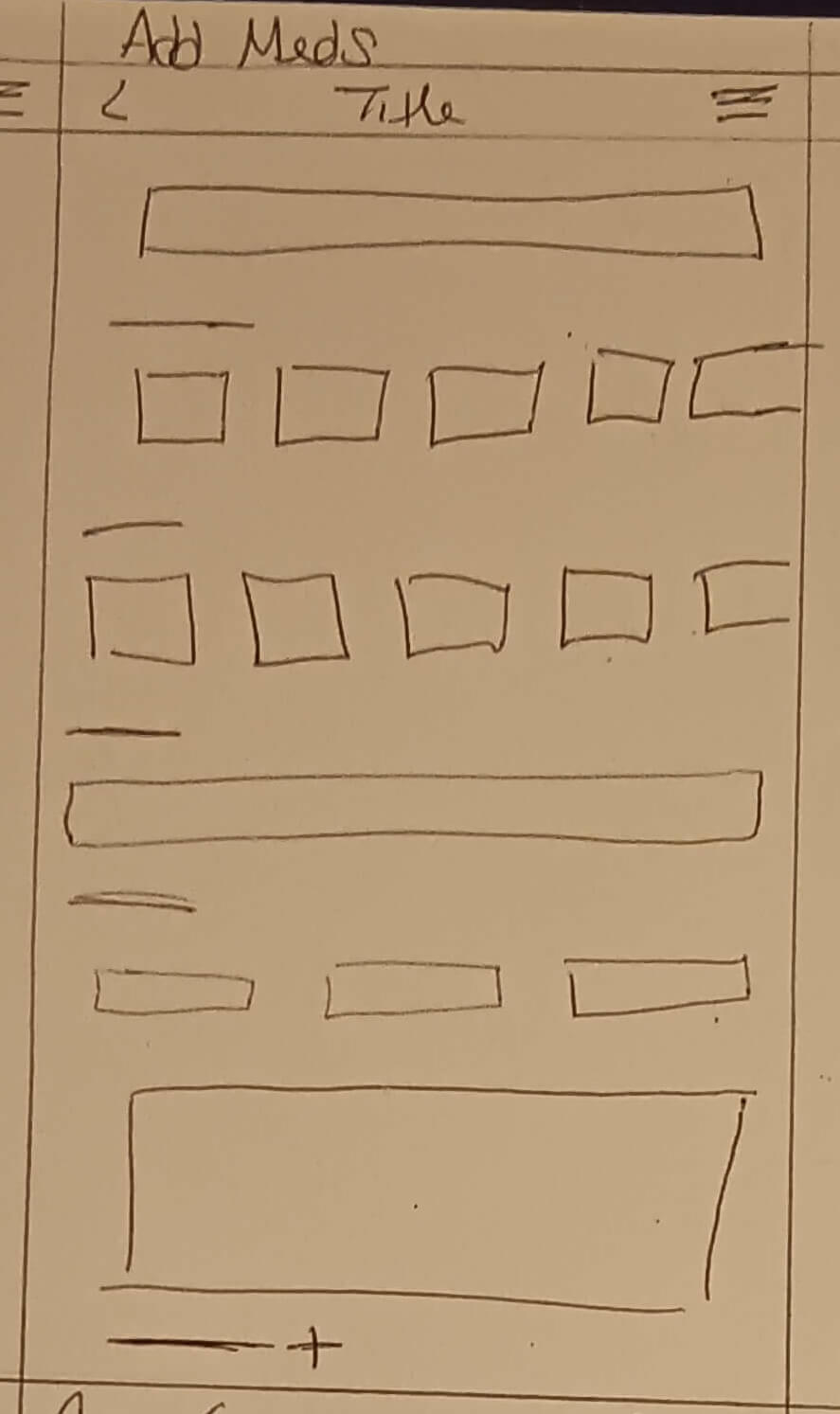
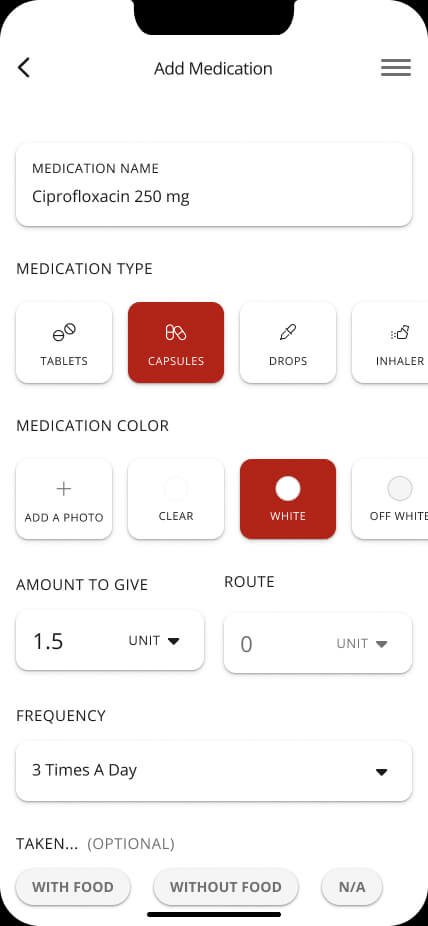
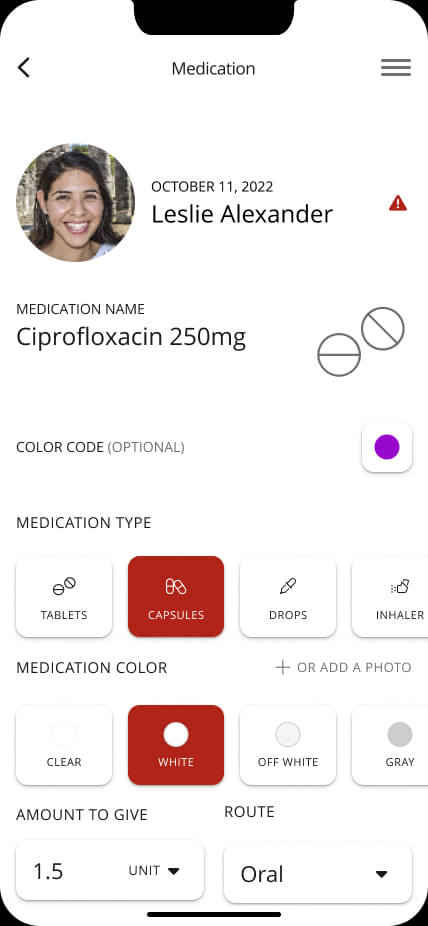
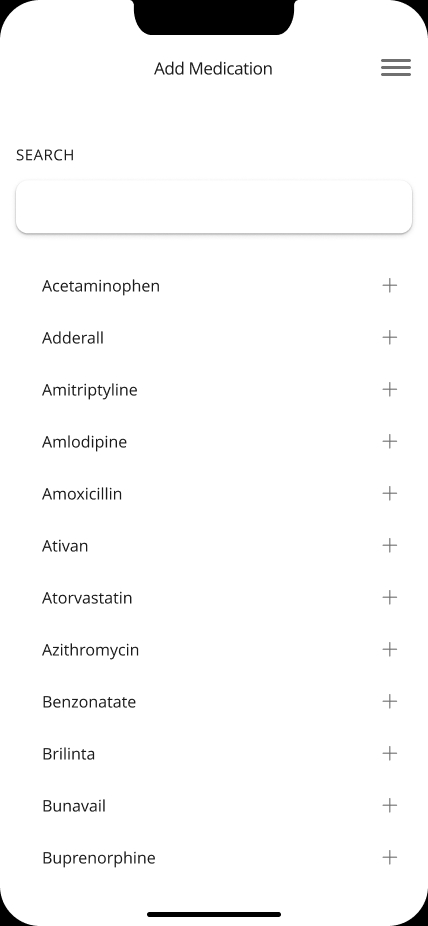
Medication Onboarding
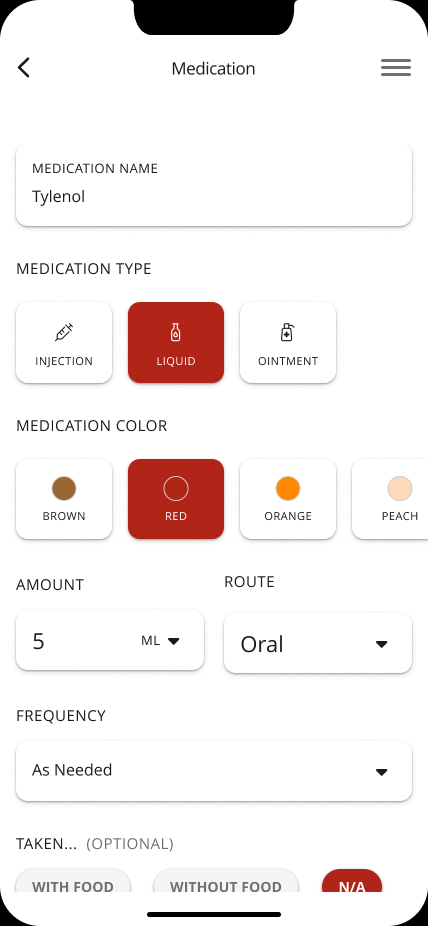
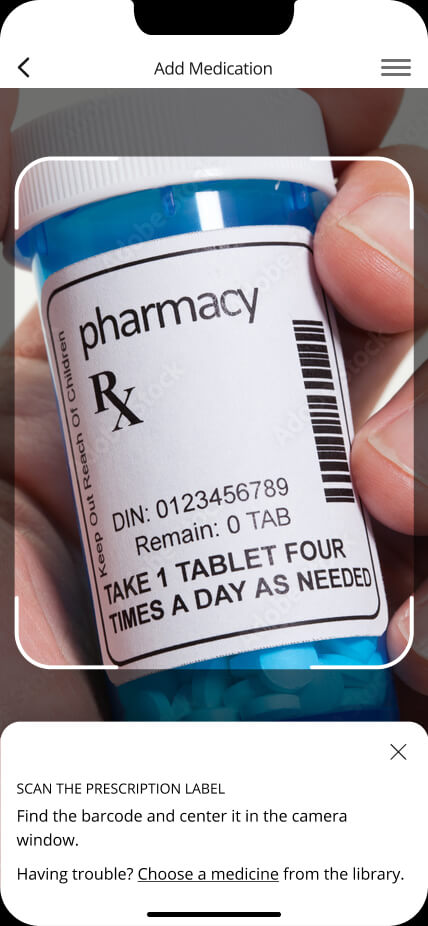
• Protecting Medication Details: Adding or changing medications is limited to authorized caregivers, helping prevent accidental changes to important prescription details. The setup flow guides users through dosage, frequency, and delivery method with clear confirmations at each step.
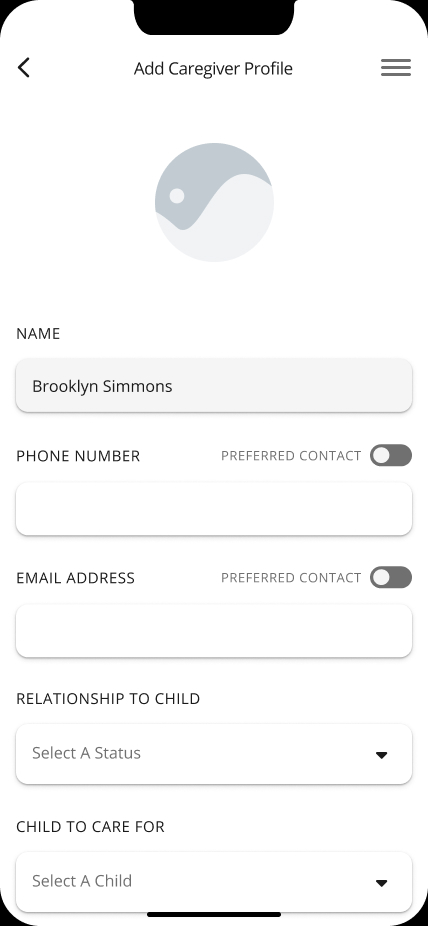
Network Coordination
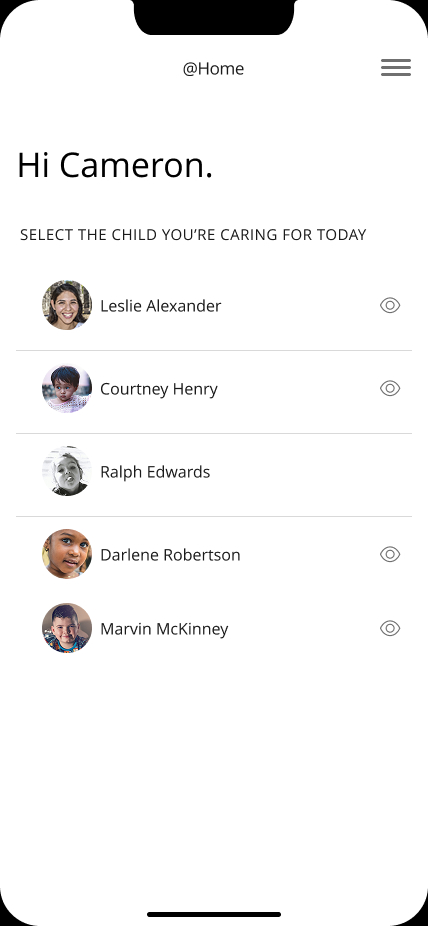
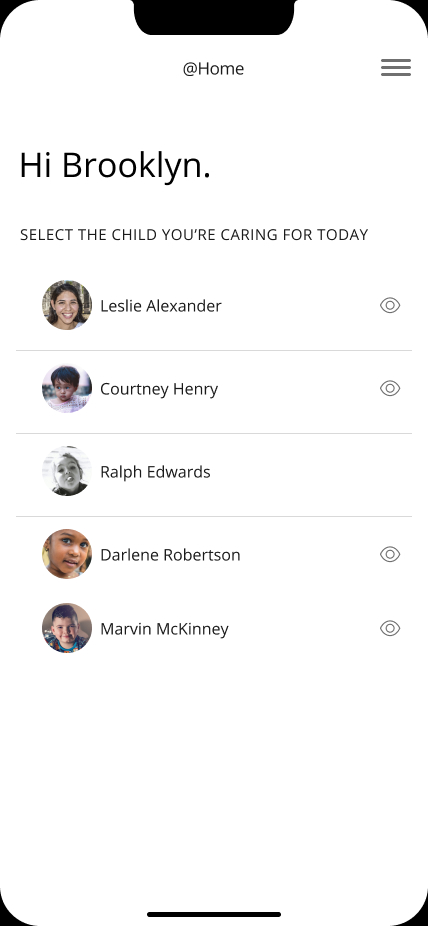
• Permission Tiers in Action: The interface automatically adapts based on login credentials. Secondary caregivers see a simplified dashboard focused purely on execution, preventing them from accidentally altering core treatment instructions.
Clinical Continuity
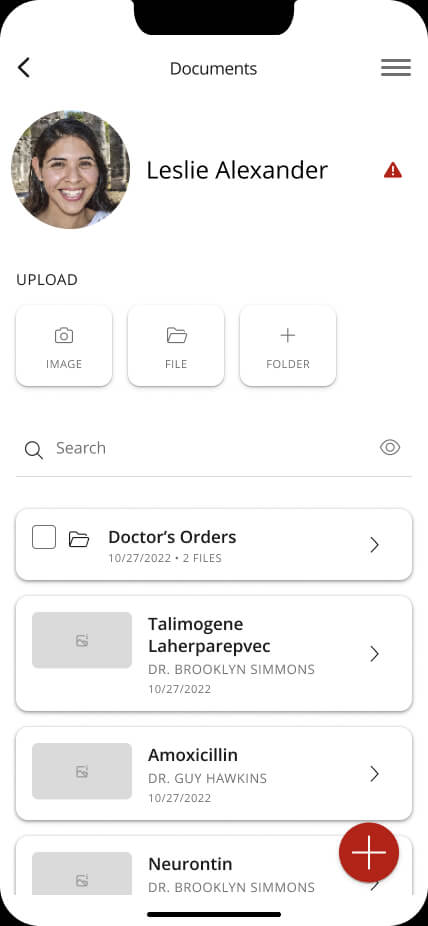
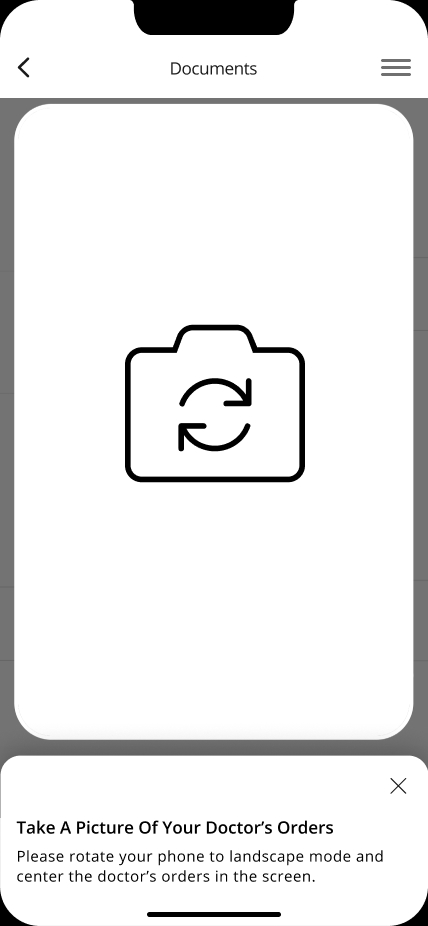
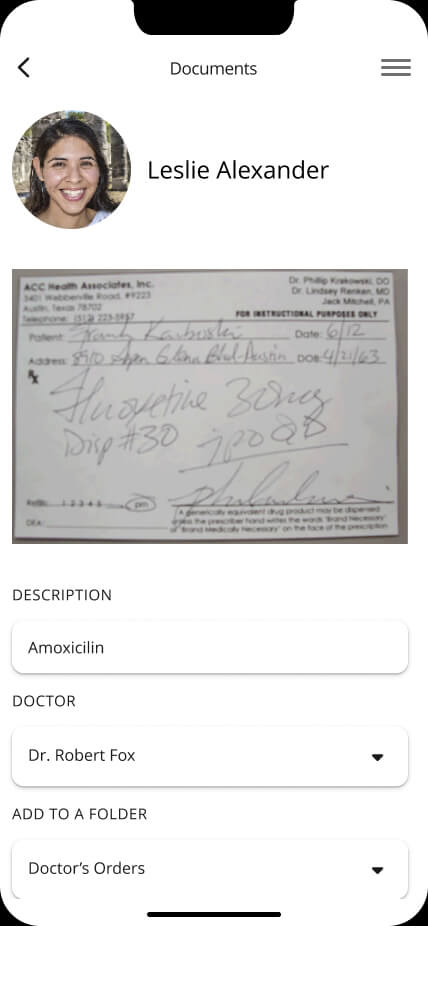
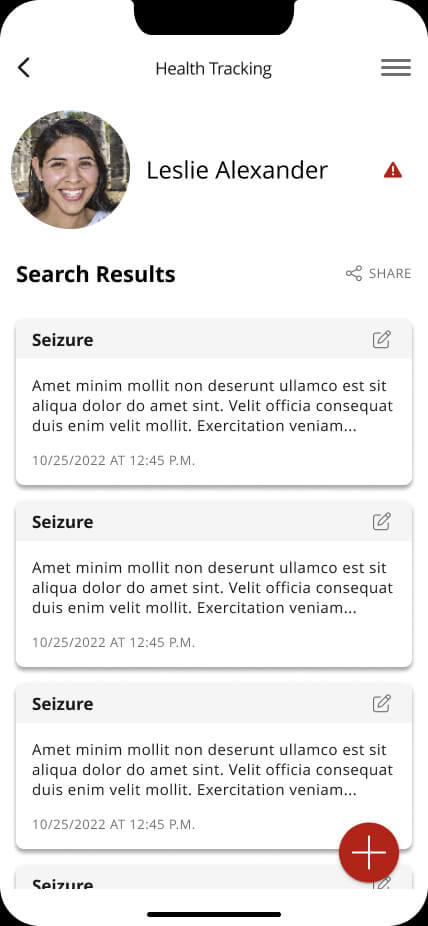
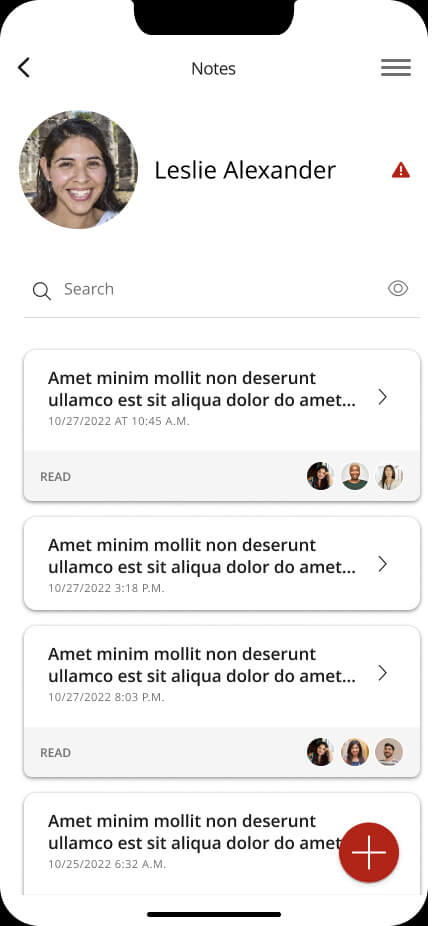
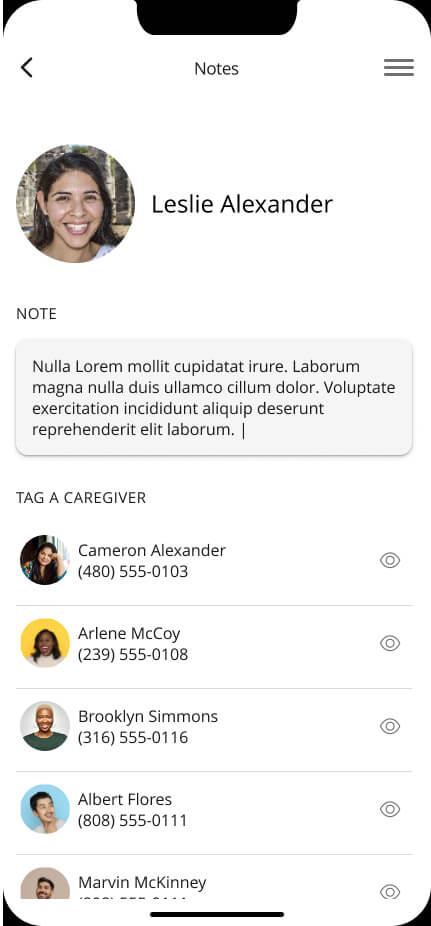
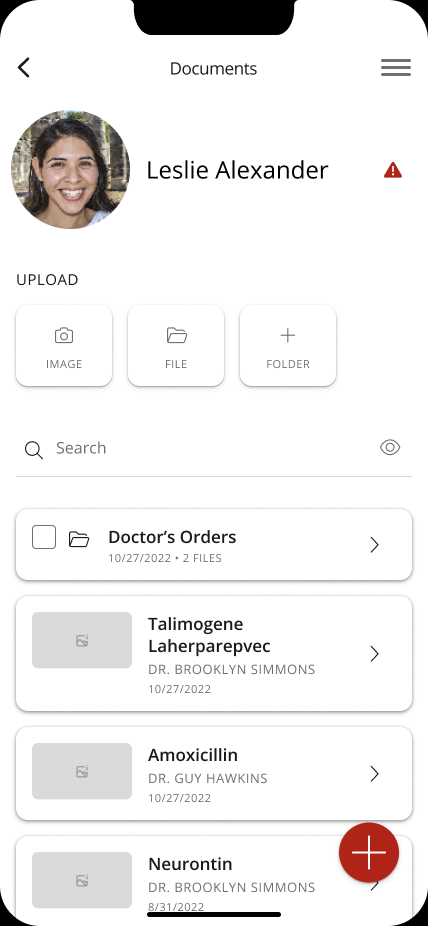
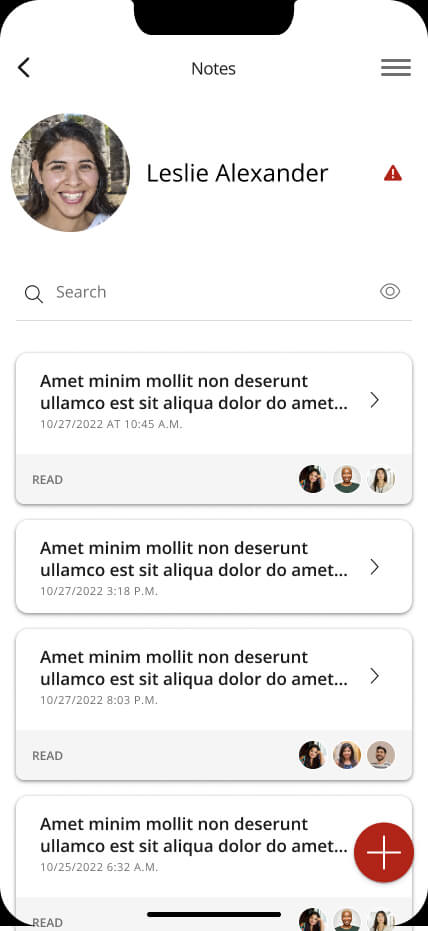
• Keeping Everyone on the Same Page: We created dedicated spaces for physician orders and care notes so important updates to a child's care plan are clearly documented and easy for the caregiving team to access. This helps ensure everyone is working from the most up-to-date information.
Colors & Font
Visual Identity Rationale: For Meds@Home, we kept the visual system clean and focused to support families managing important medication information. Pure White and Inactive Gray create a calm, uncluttered foundation, while Meds@Home Red is used intentionally to highlight missed doses and important safety alerts when they need immediate attention.
Color Palette
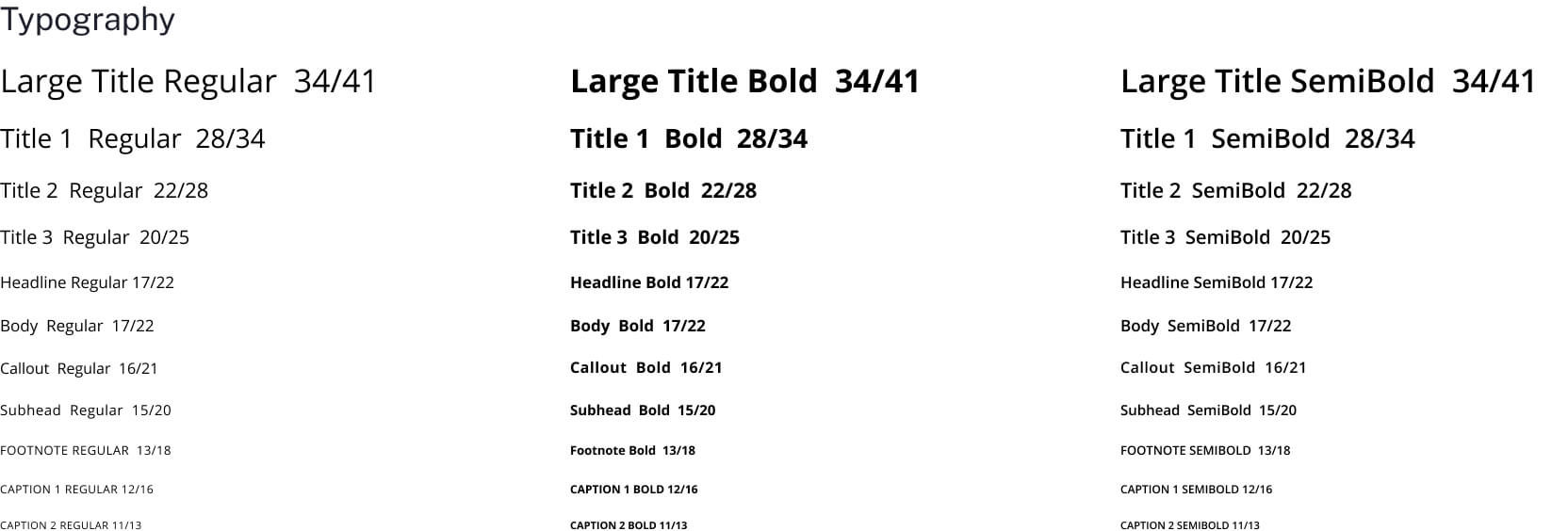
Typography: Open Sans
Open Sans was chosen for its clean, approachable letterforms and strong readability. It keeps medication names, dosage details, and important alerts easy to understand, even when families are managing a lot of information at once.
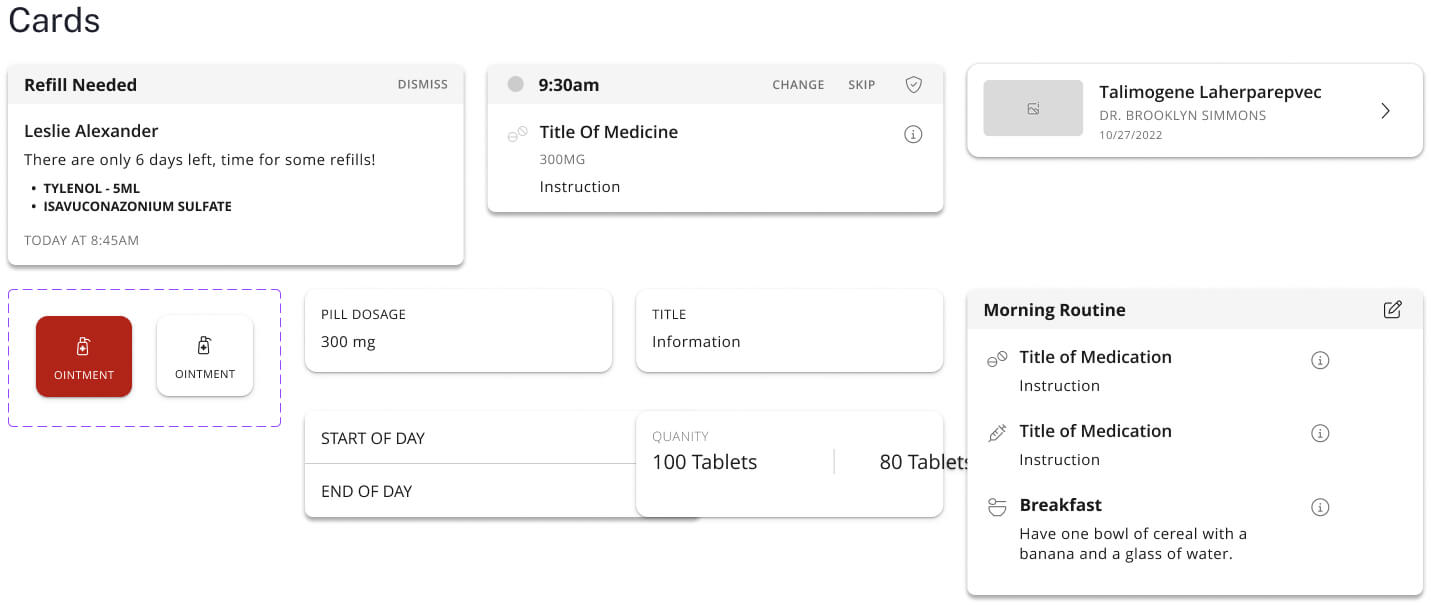
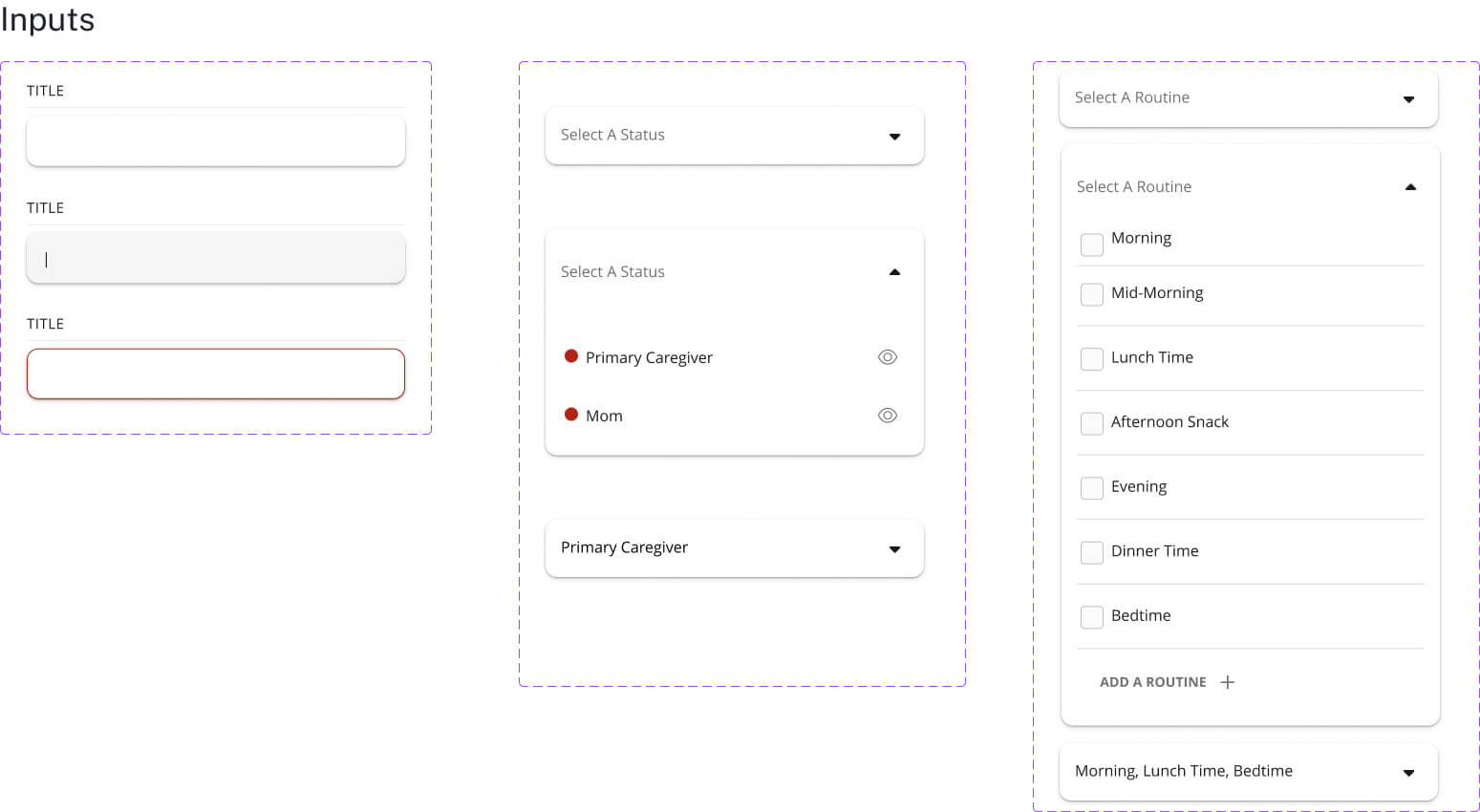
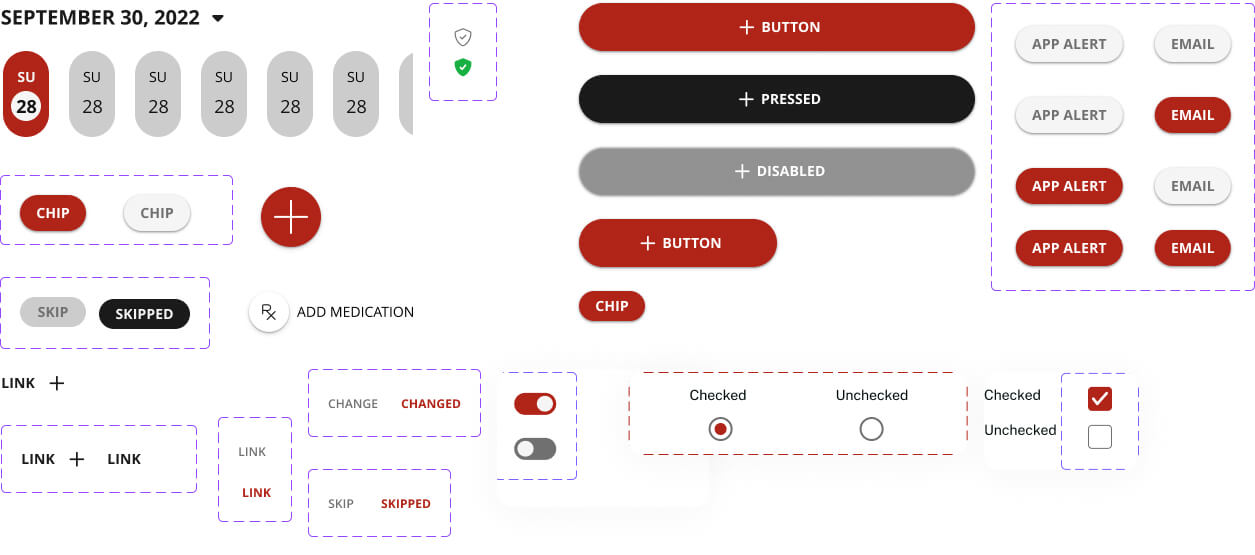
Design System
Patient App Screens