Fit Stylist: Wardrobe Digitization & Style Planning
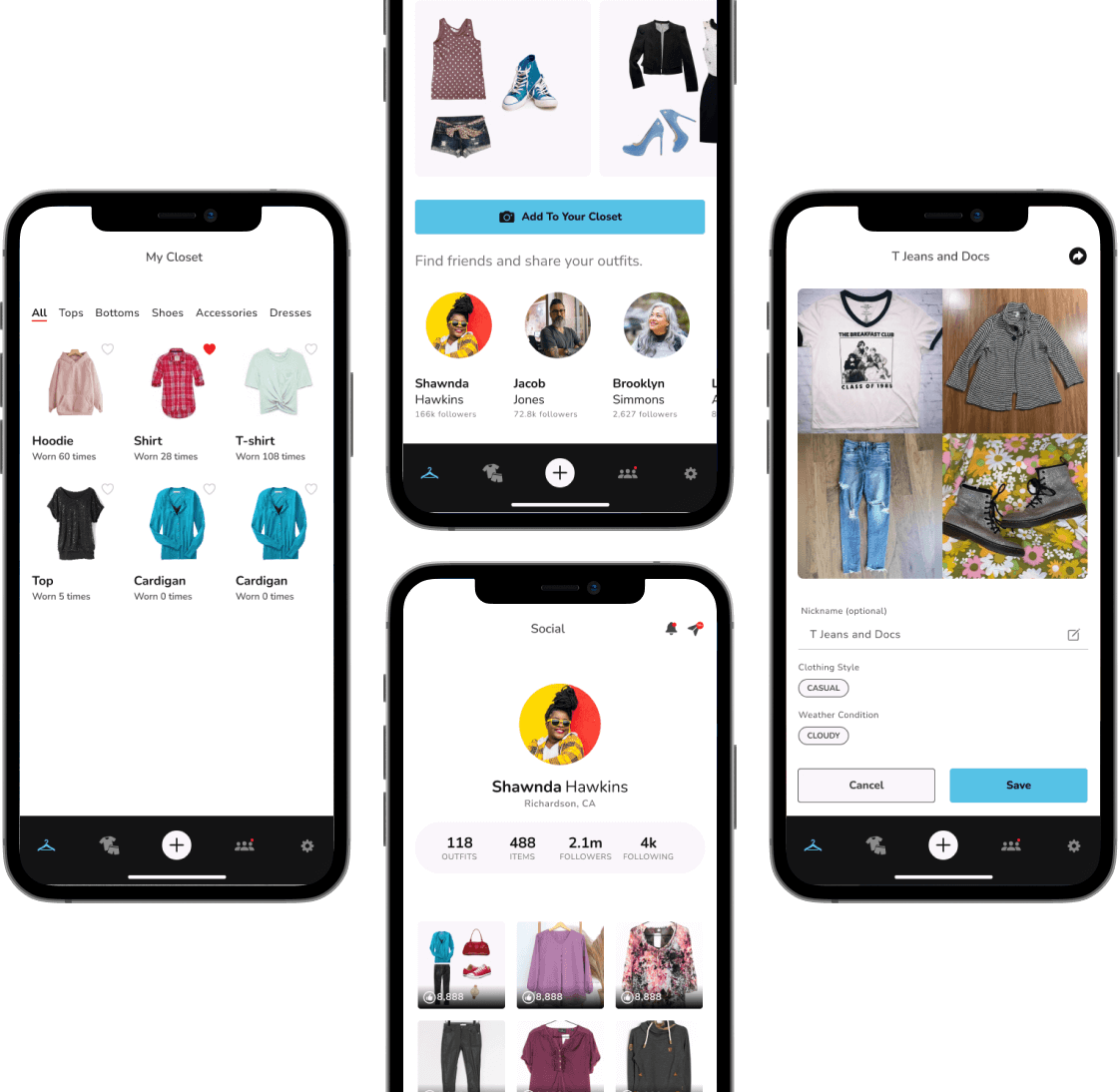
Fit Stylist is a mobile application concept designed to help users digitize their wardrobe, effortlessly curate outfit combinations, and share personal style with their friend group and wider social community.
Role & Expertise
Problem Statement
Many teens and young adults struggle with daily outfit decision fatigue and underutilize the clothes already in their closet. Additionally, sharing style ideas across social apps requires extra steps like saving images, editing off-platform, and re-uploading.
How might we make cataloging clothes as effortless as possible so users can plan outfits and get feedback with little friction?
How might we recommend weather and occasion appropriate outfit combinations so users can reduce morning decision fatigue?
How might wecreate a fun, interactive space where users can share outfit looks and discover inspiration without leaving the app?
Project Goals
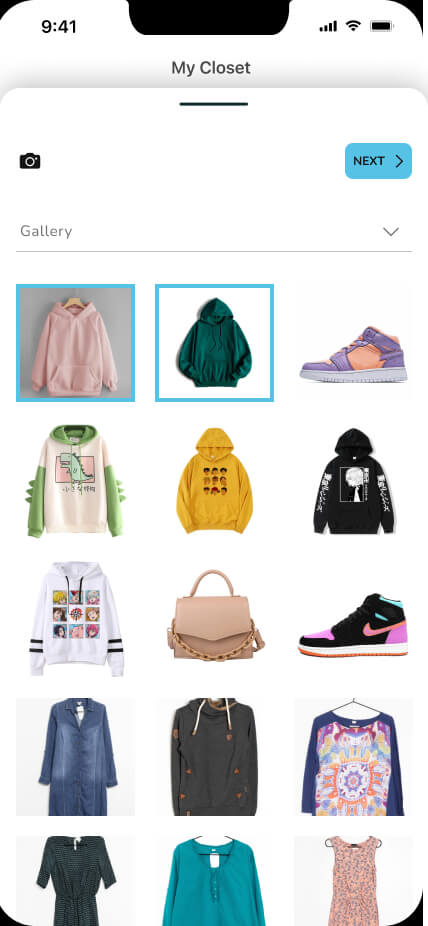
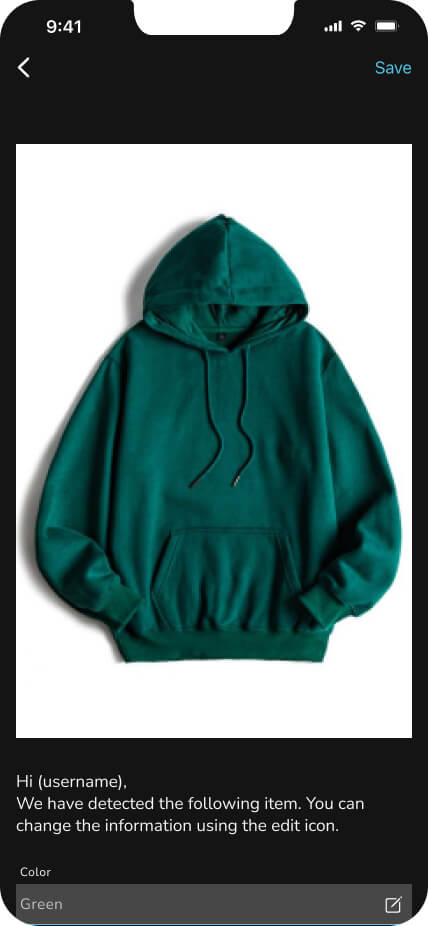
- • Frictionless Digitization: Streamline closet uploads with smart tags for item type and color.
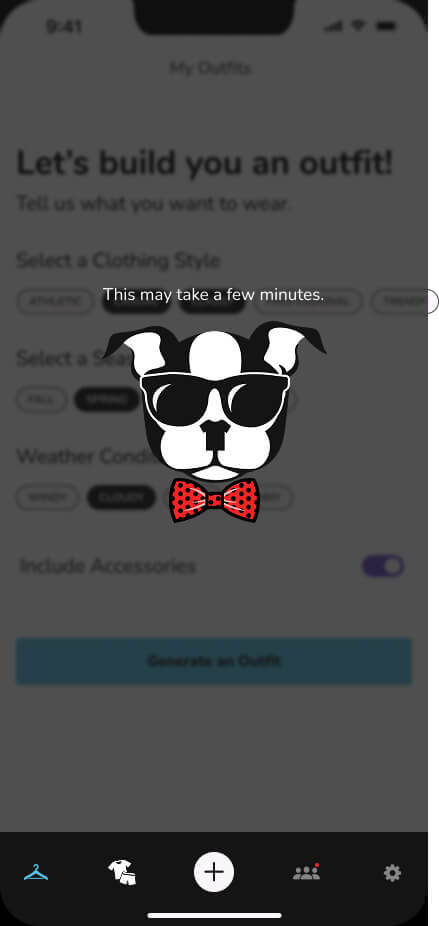
- • Intelligent Mix & Match: Provide automatic outfit recommendations based on weather and occasion.
- • Native Community: Enable direct, in-app outfit posting to eliminate external export steps.
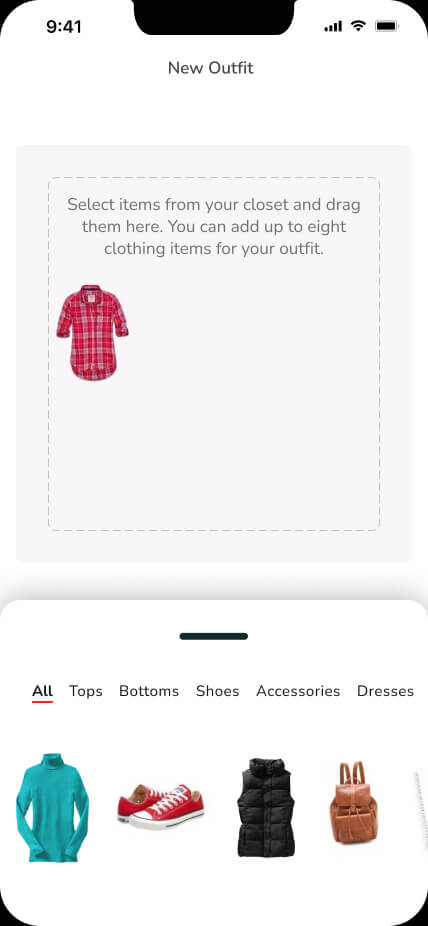
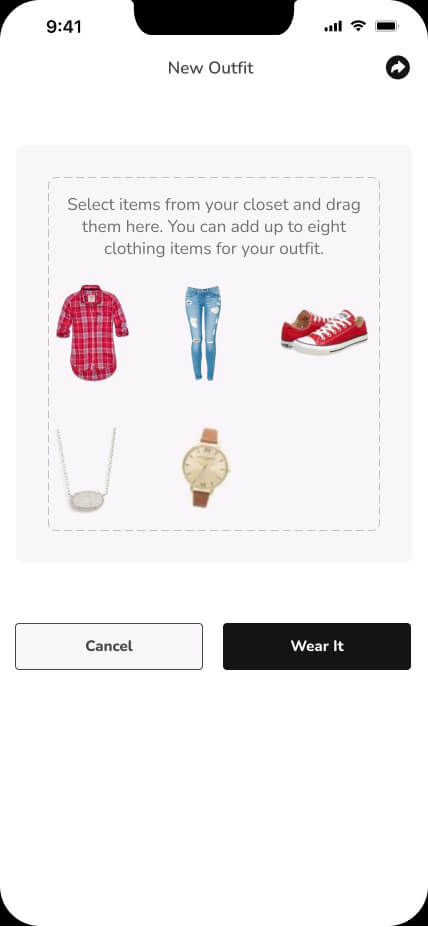
- • Personal Control: Give users an interactive canvas to manually tweak and save AI-suggested looks.
Target Audience & Personas
High school and college students looking for creative ways to restyle existing clothing and share looks natively online.
"I have a closet full of clothes, but I wear the same three outfits every week because organizing feels like work."
Style-conscious individuals seeking fresh outfit combinations and organized digital closets.
"I love experimenting with trends, but I constantly forget what items I already own."
Time-conscious users wanting to reduce morning decision fatigue before school or work.
"I need quick, weather-appropriate recommendations without wasting 15 minutes trying on outfits every morning."
Discovery & Research Strategy
To ensure our design decisions were grounded in real user behavior, we combined founder insights with peer discussions and competitive market research.
Founder Collaboration & Peer Discussions
Worked closely with the founder who conceptualized the initial app vision, along with qualitative peer Q&A sessions. A key insight was that cataloging should feel more like a game than a task of managing a clothing database.
Market & App Store Audits
Evaluated existing digital closet apps. Found that current market tools either felt overly complex during onboarding, lacked built-in social sharing, or hid basic outfit generators behind multiple menu layers.
Process Logic & User Flow
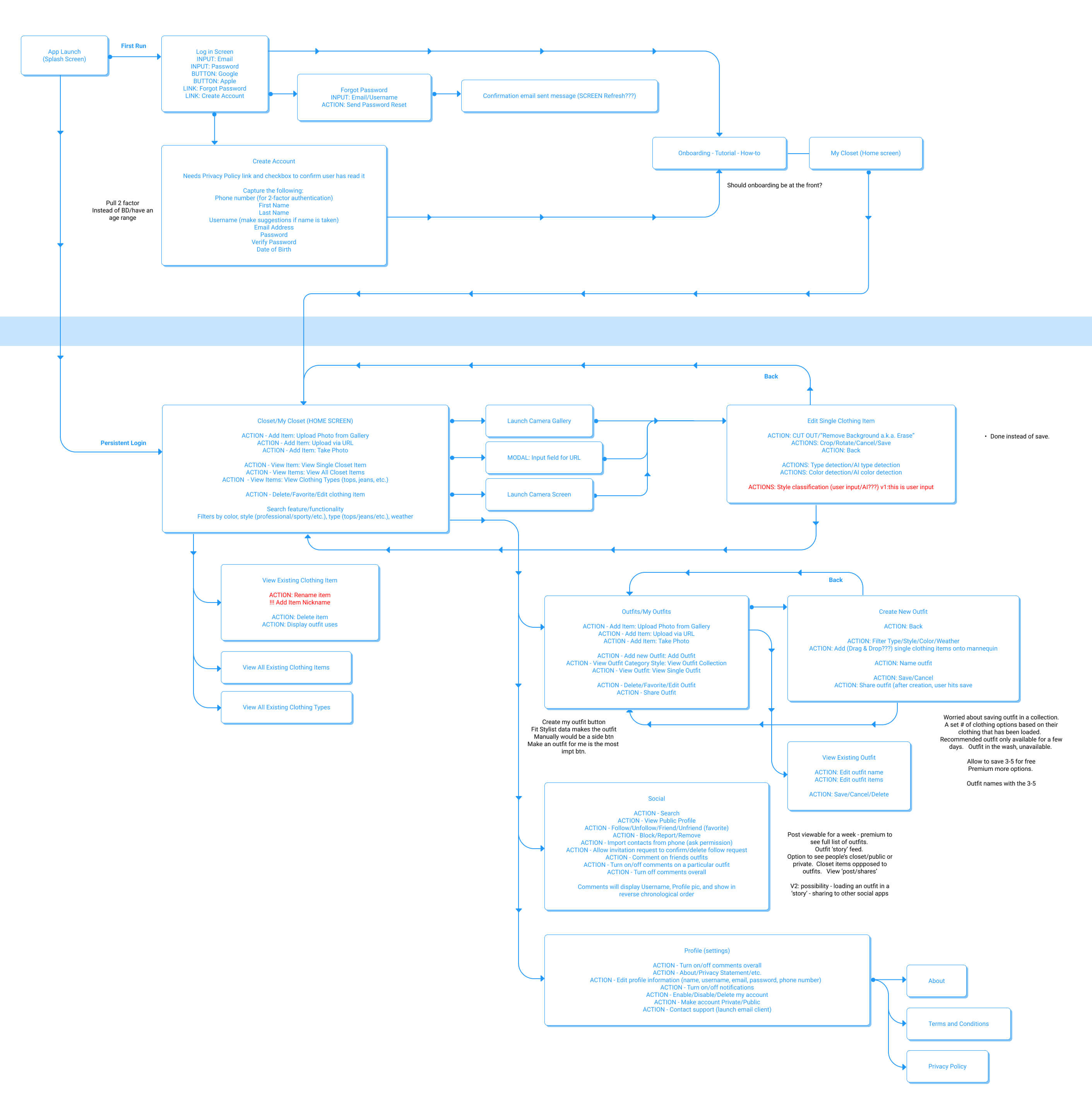
Before moving into high fidelity design, we mapped user journeys to eliminate steps between uploading an item and sharing a finished look.
Key Architectural Decisions
- • Simplified Uploads: Auto-categorize clothing uploads with pre-selected tags (color, season, item type) to keep the process of creating your digital coloset quick.
- • Interactive Canvas: Allow users to swap or adjust individual items within an AI suggestion before locking in a look.
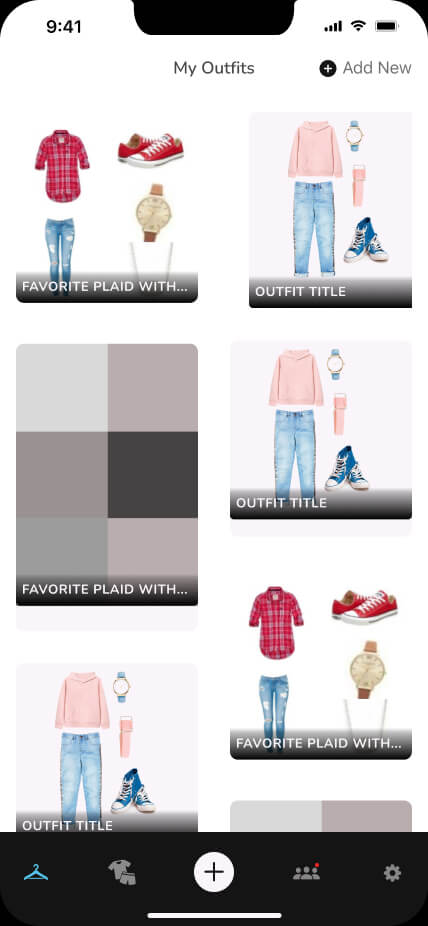
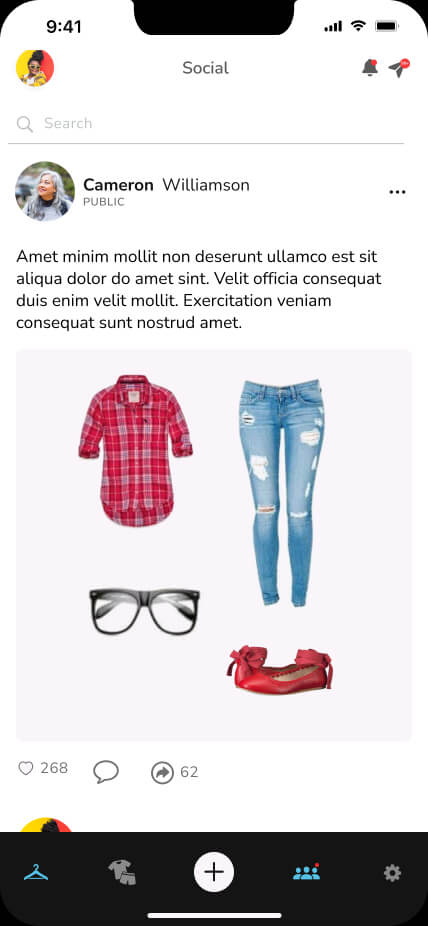
- • Direct Social Publishing: A community feed that lets users post outfit cards in one click without leaving the app.
Key Features
1. Digital Closet
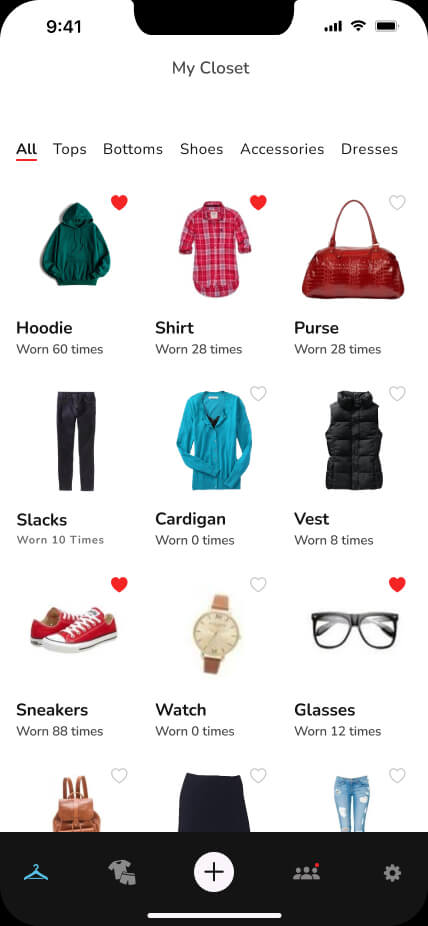
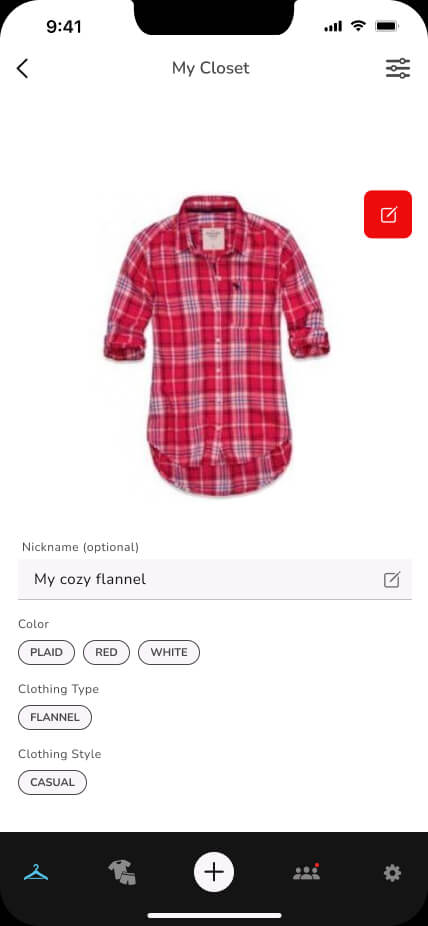
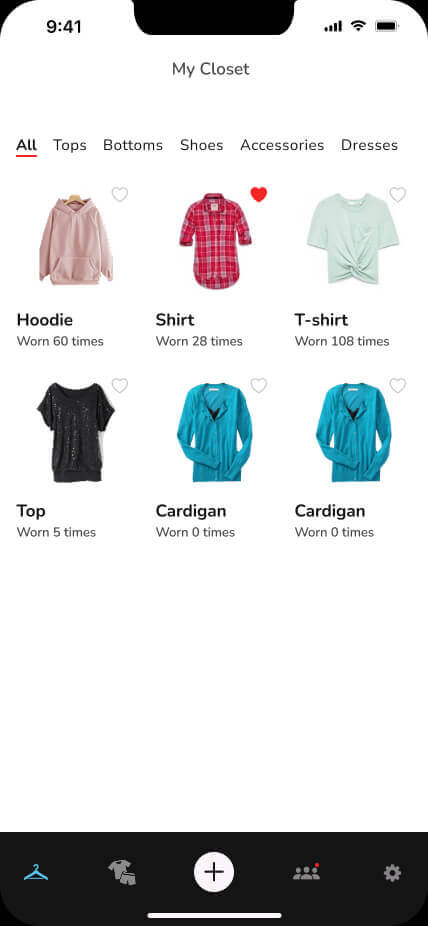
Organized visual wardrobe grid with quick filters (tops, bottoms, shoes) for instant scanning.
2. AI Outfit Generator
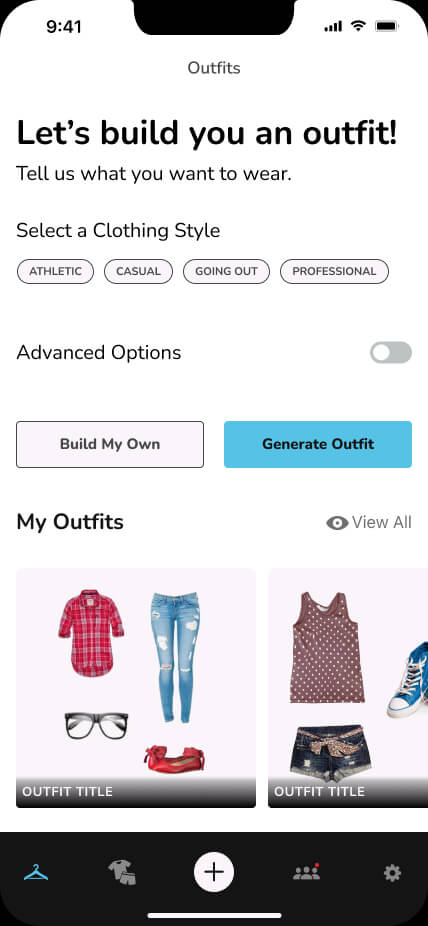
Suggests full outfits based on current wardrobe inventory, weather indicators, or chosen event tags.
3. Social Feed & Community
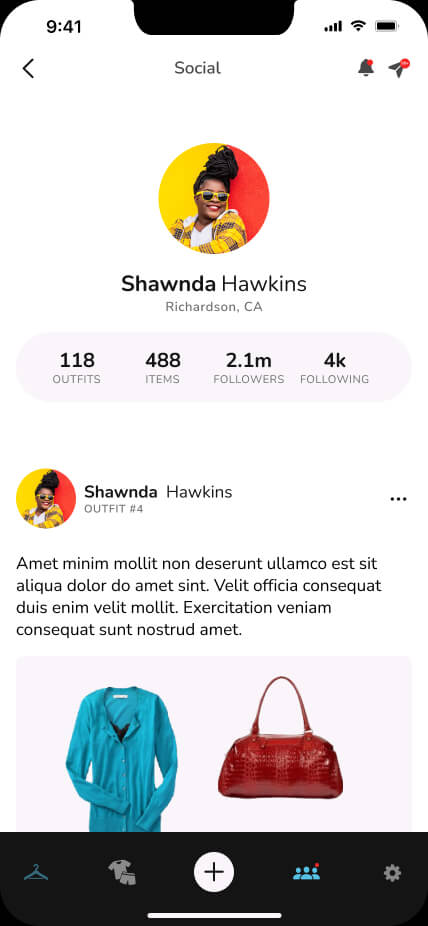
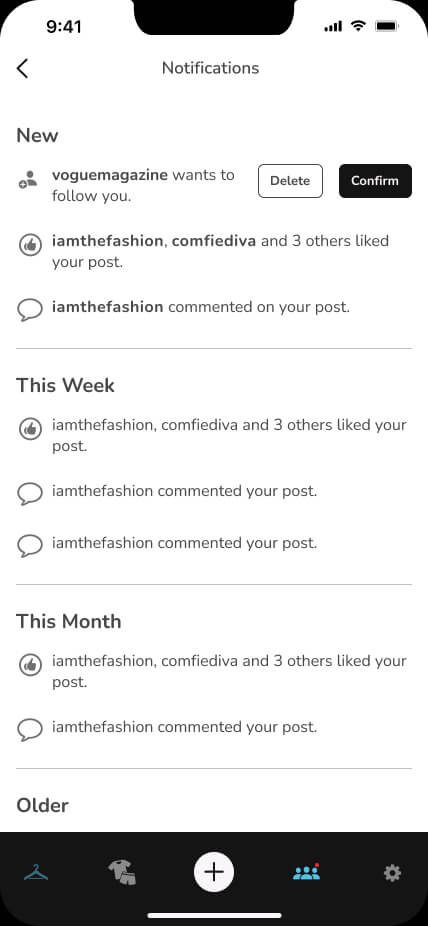
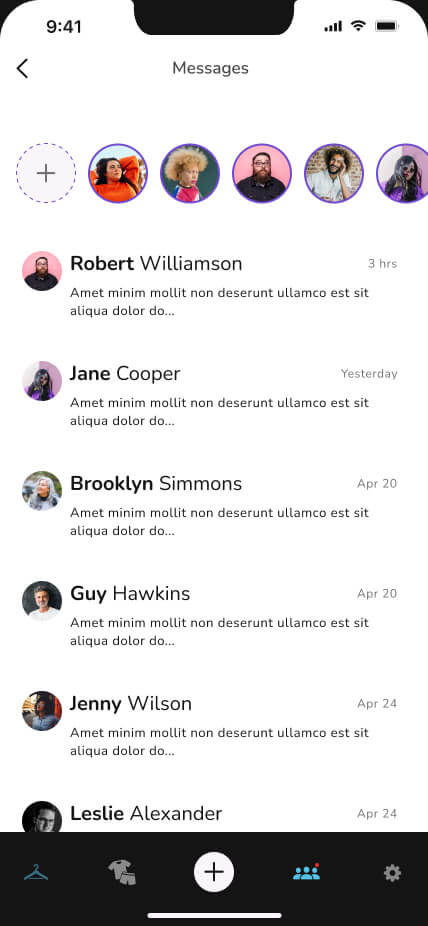
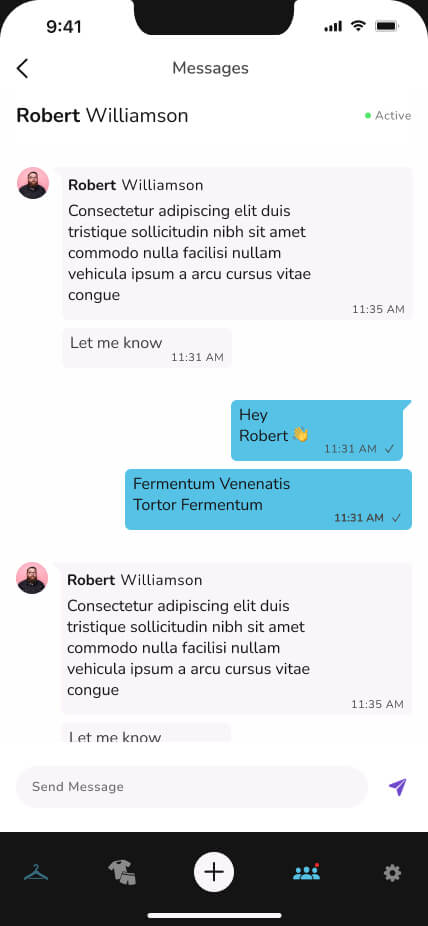
A native feed where users share outfits, view friend's clothing combos, and interact via comments.
4. Manual Mix & Match
Flexibility to override AI choices, manually pair items, and save the custom made outfit.
Design Evolution
Onboarding & Setup Trade-Offs
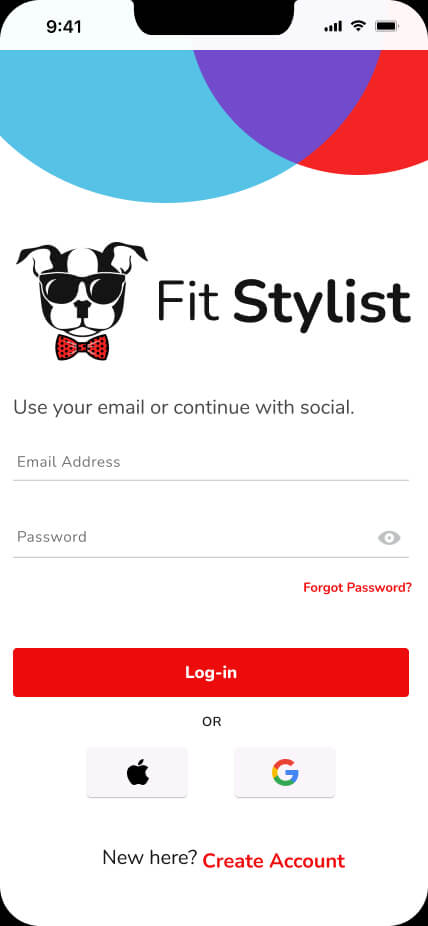
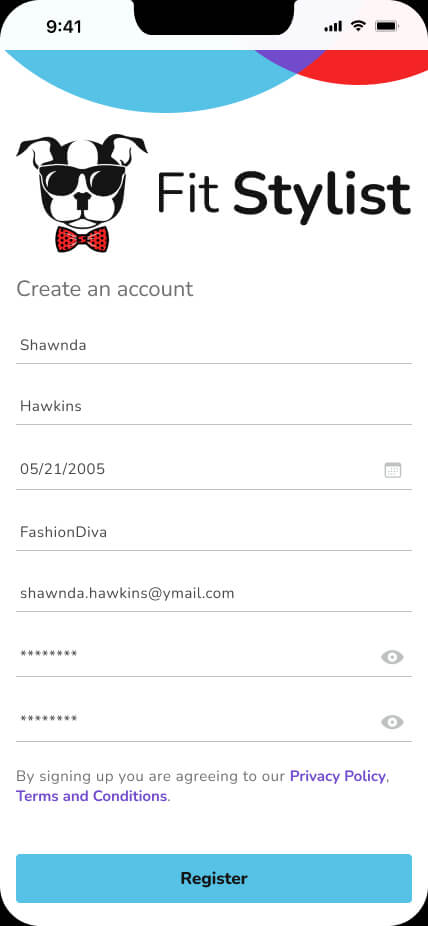
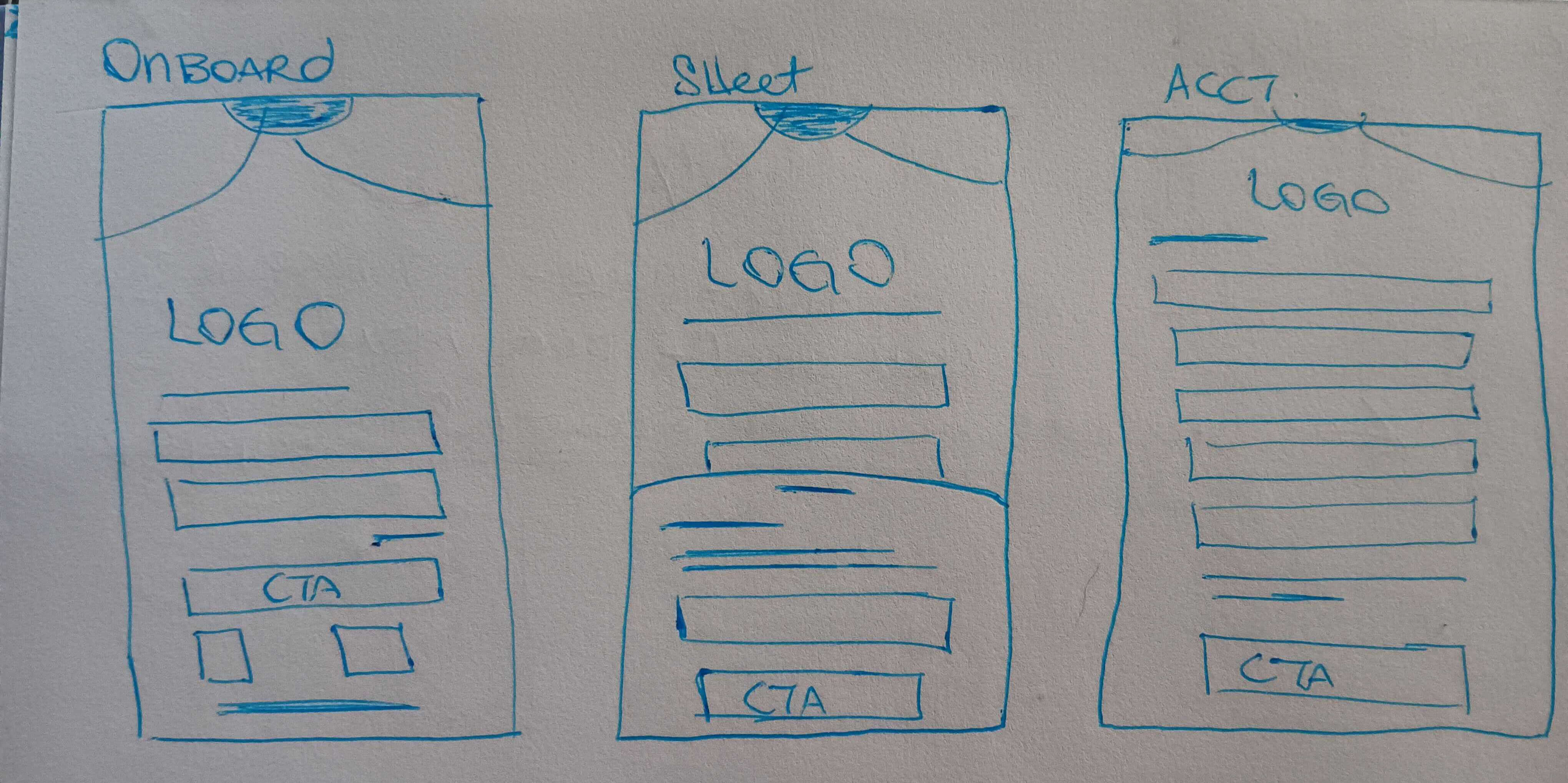
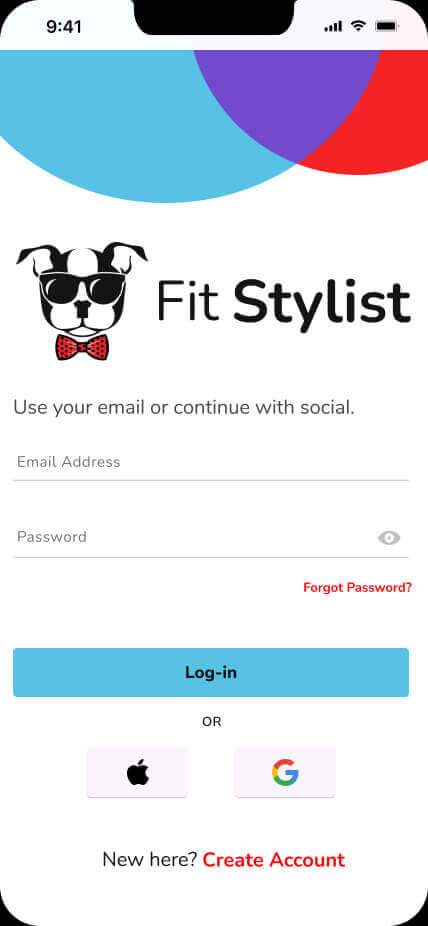
• Reducing Initial Drop-off: To make account creation feel as seamless as possible, users could quickly sign up or log in using their Google or Apple account, reducing the friction of setting up a new account.
Getting Users to Their First Closet Item
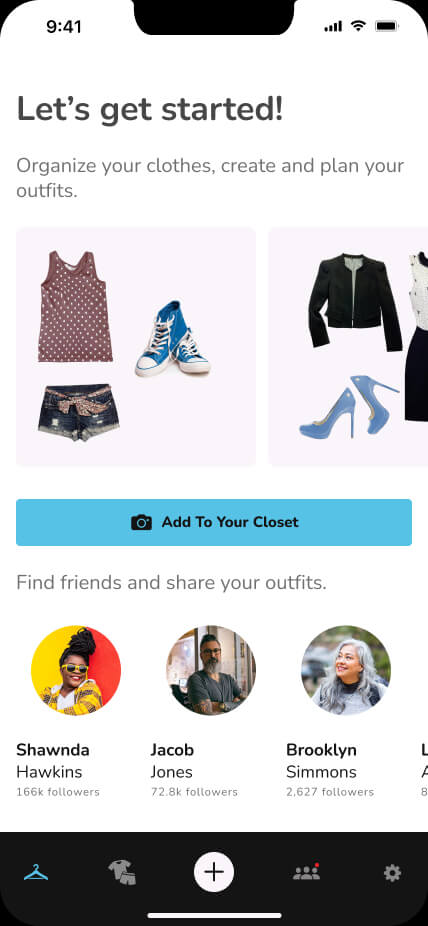
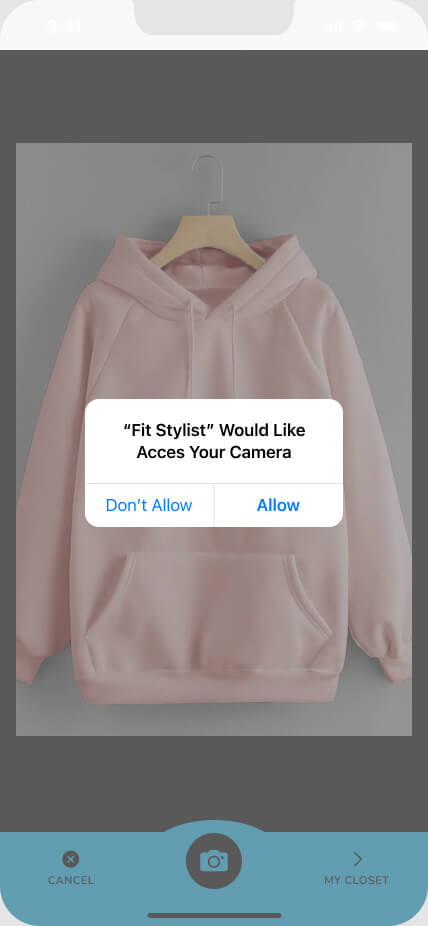
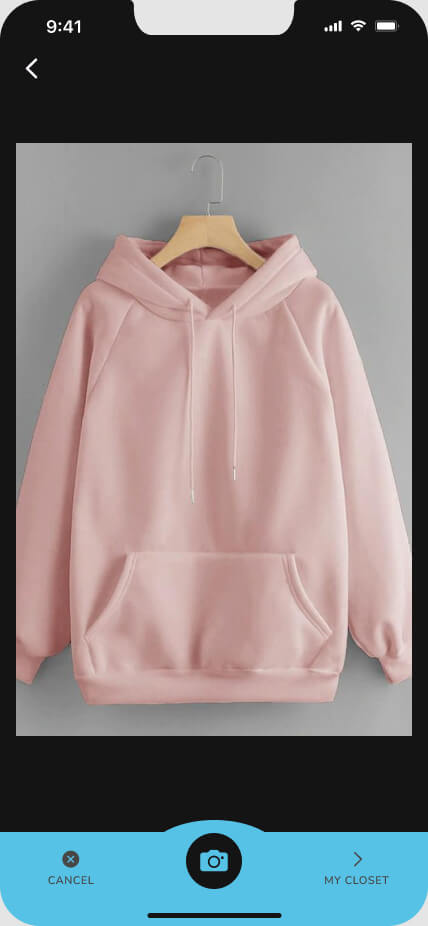
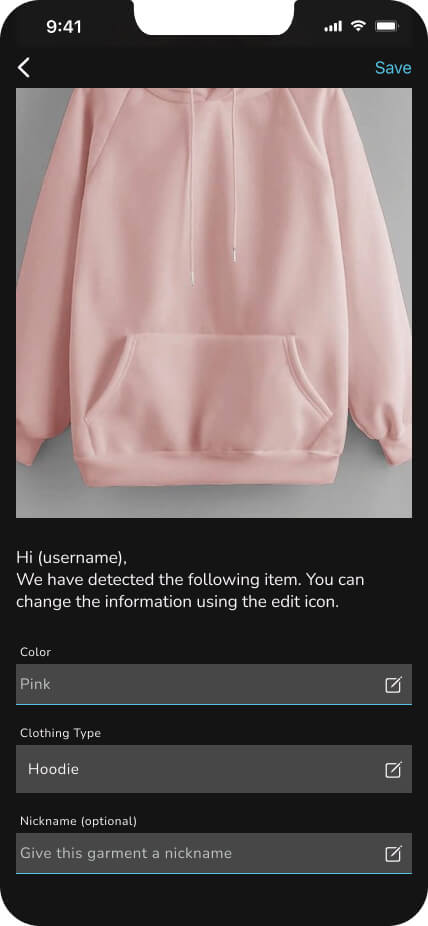
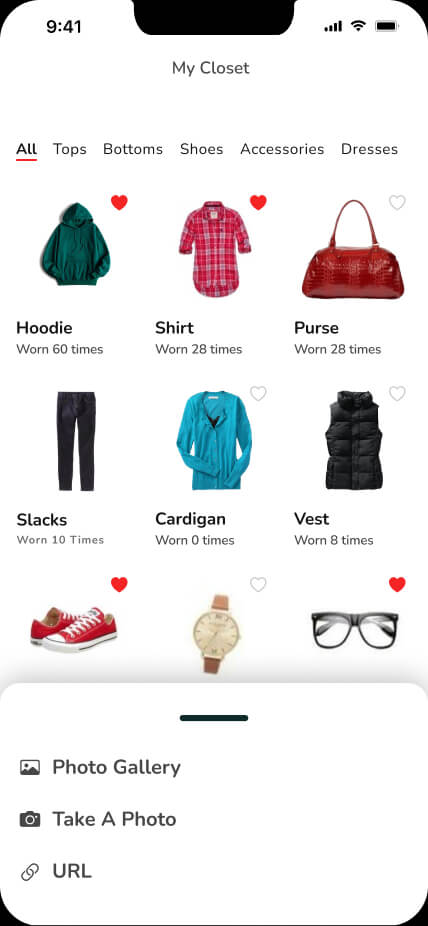
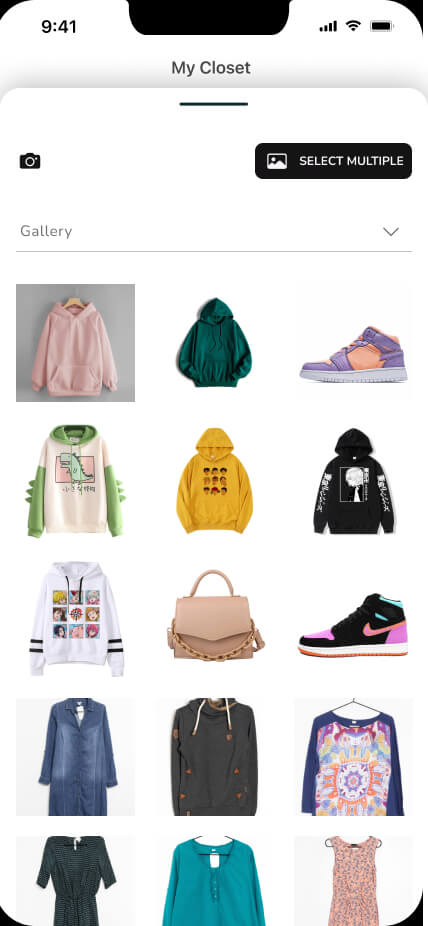
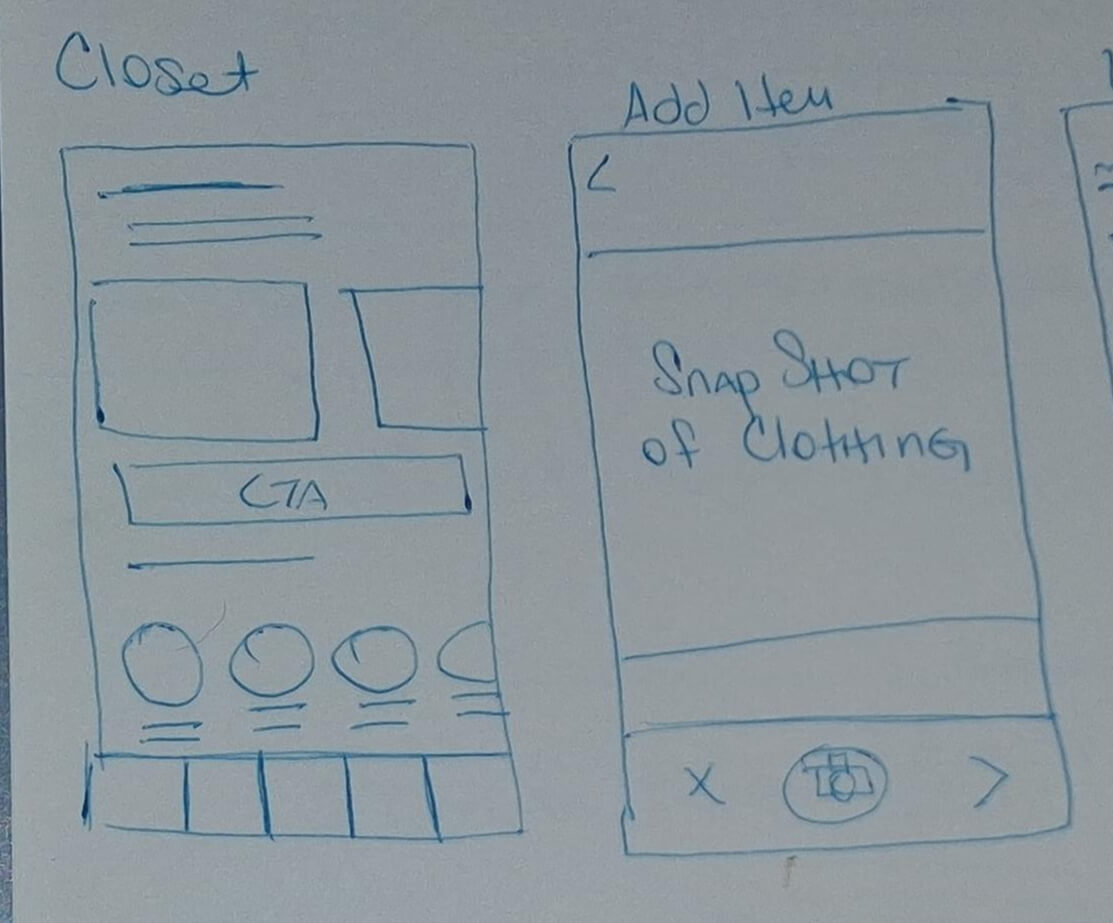
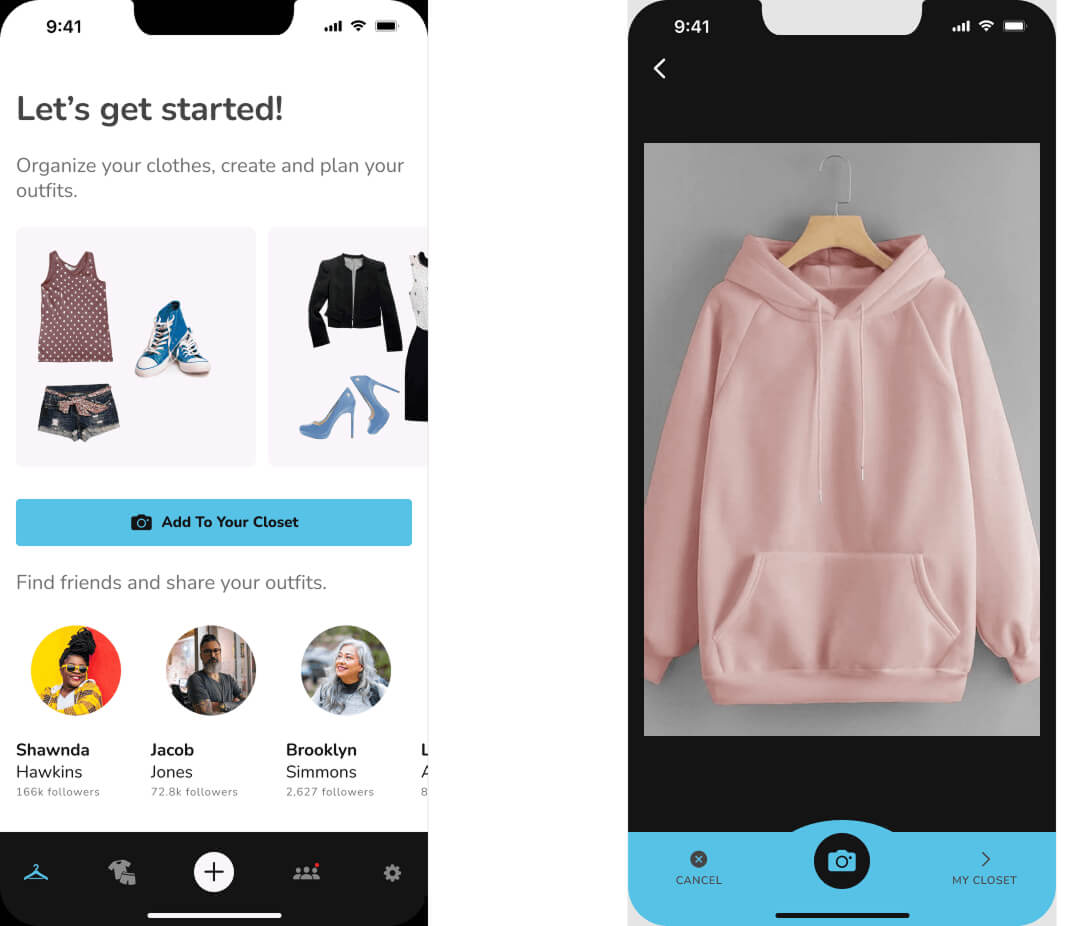
• Making Closet Building Effortless: We used example outfit cards to give users an immediate entry point into building their digital closet. A clear "Add an item to your closet" CTA launched the camera, where AI automatically identified the garment type and dominant color. Users could add a name, save the item, and immediately capture their next piece of clothing, turning closet building into a quick, repeatable flow with an easy exit to the user's digital closet.
Digital Closet Grid Logic
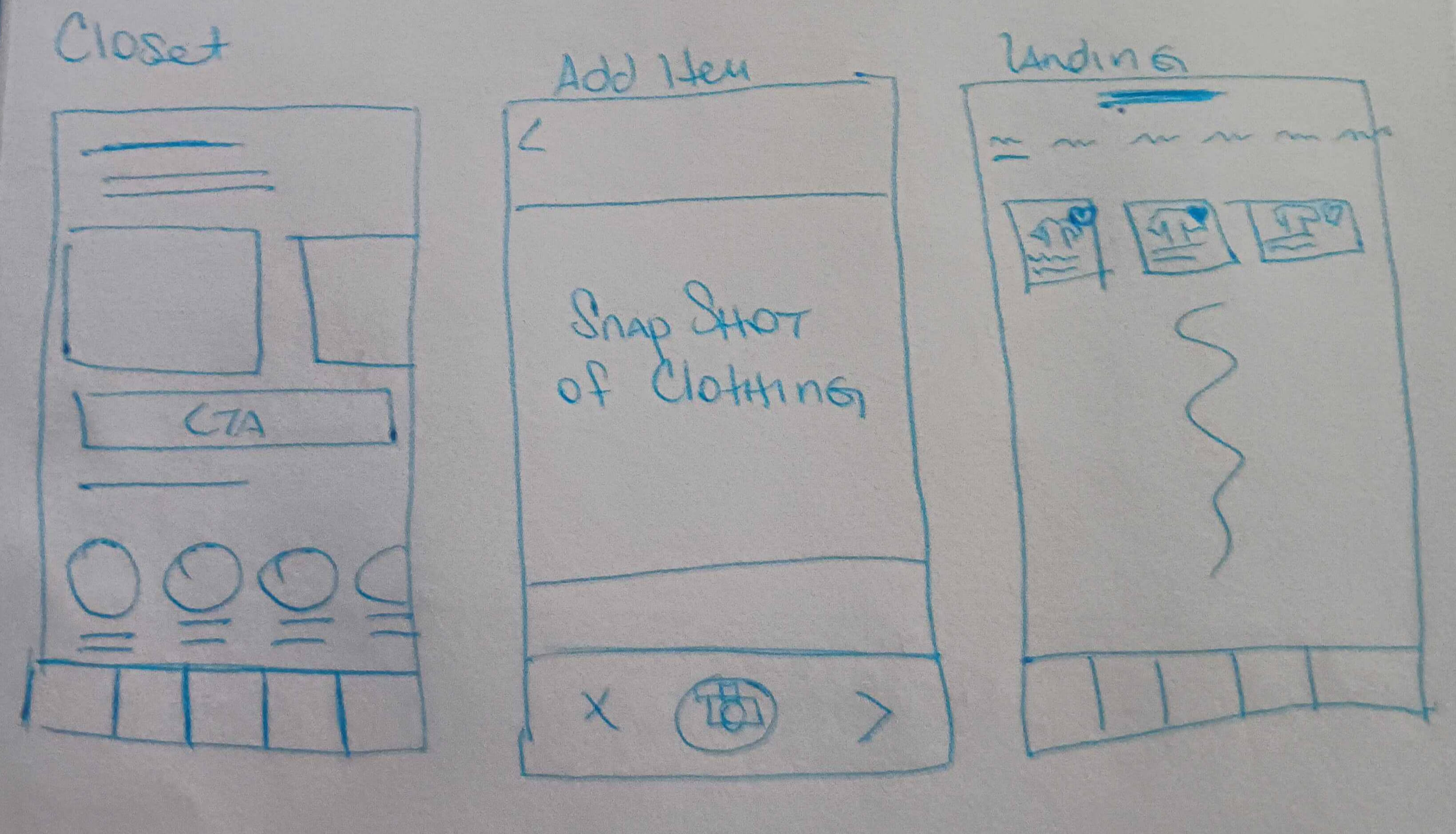
• Designed for Visual Browsing: Because the closet is inherently visual, we used a grid-based layout to make items easy to scan and recognize. Quick category filters gave users a simple way to narrow their closet without interrupting the browsing experience.
Outfit Builder Adjustments
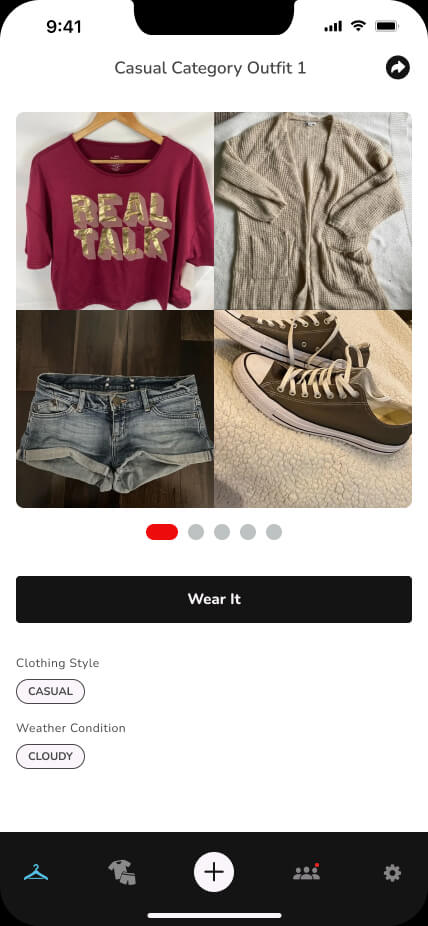
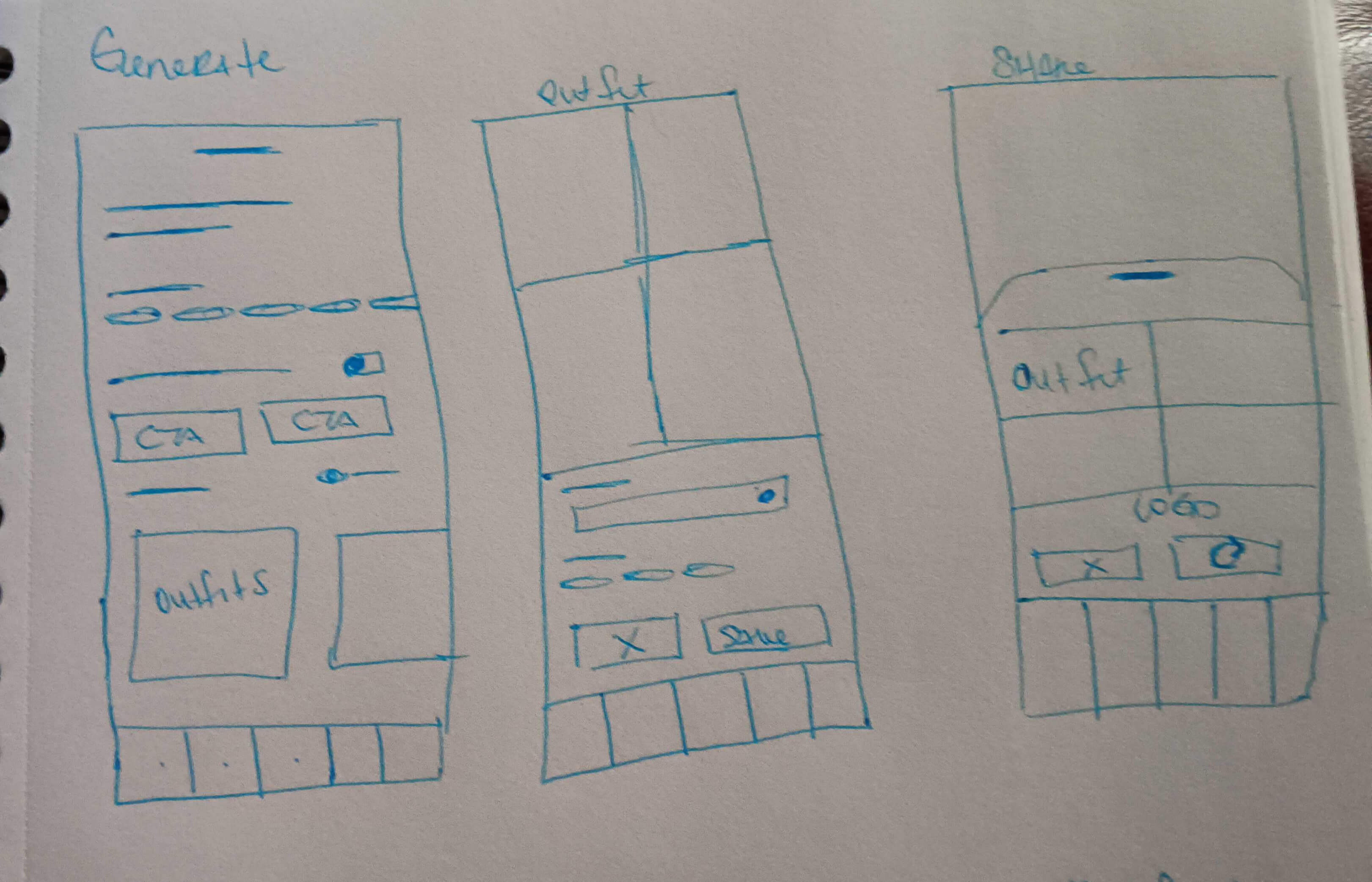
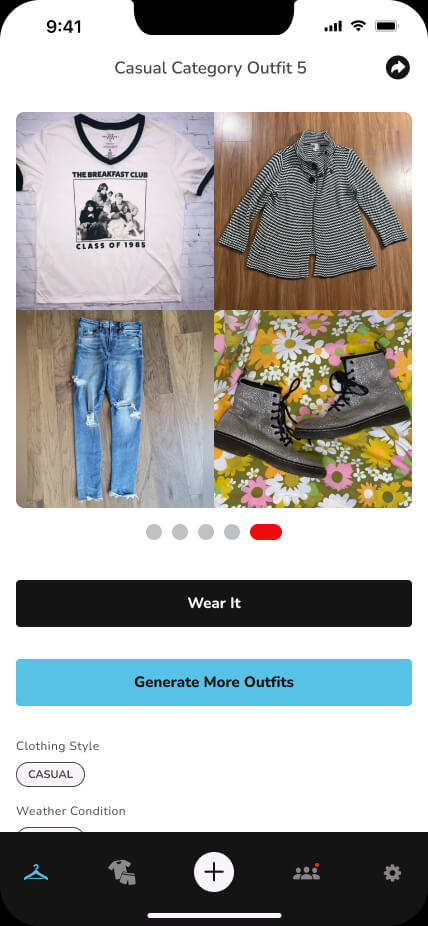
• Making Decisions Feel Effortless: Rather than having users build outfits item by item, we generated five complete looks from their digital closet. Users could save a favorite with "Wear It" or generate a fresh set of five, keeping the experience simple, exploratory, and low-effort.
Community Integration
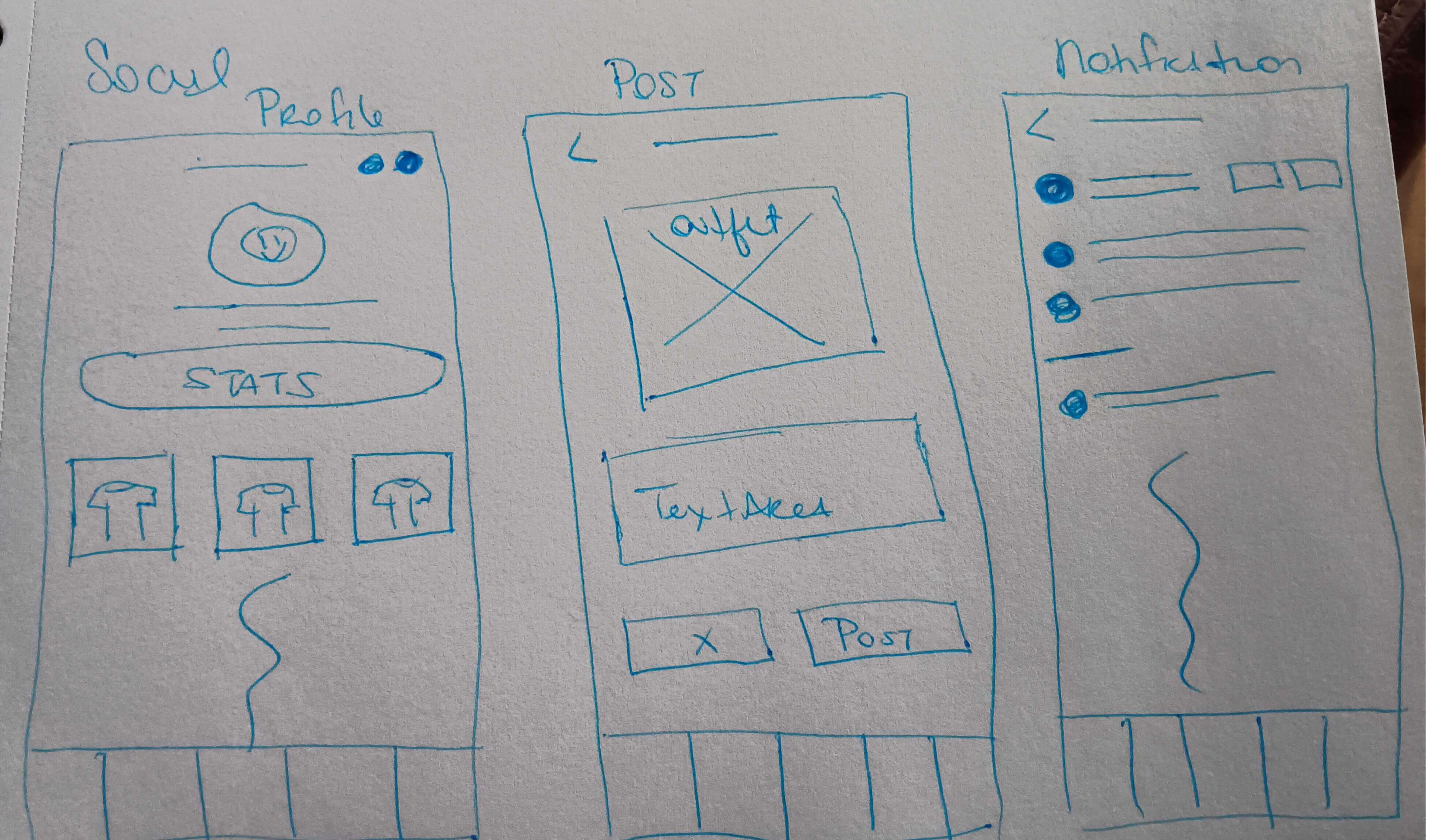
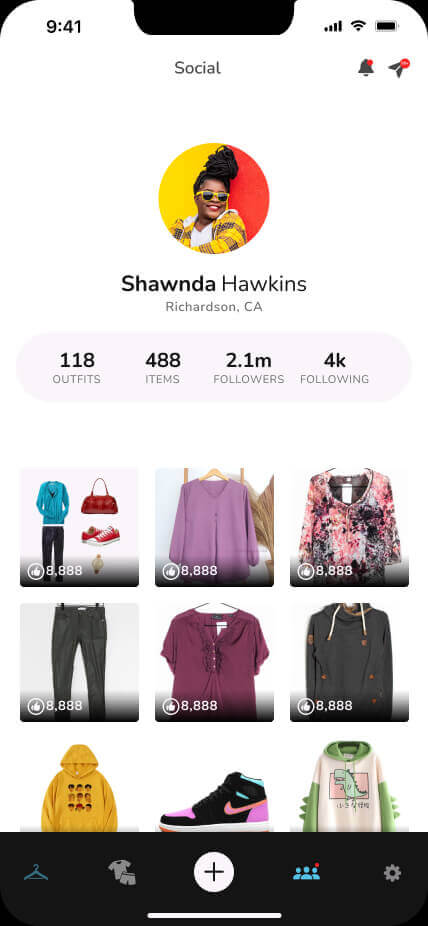
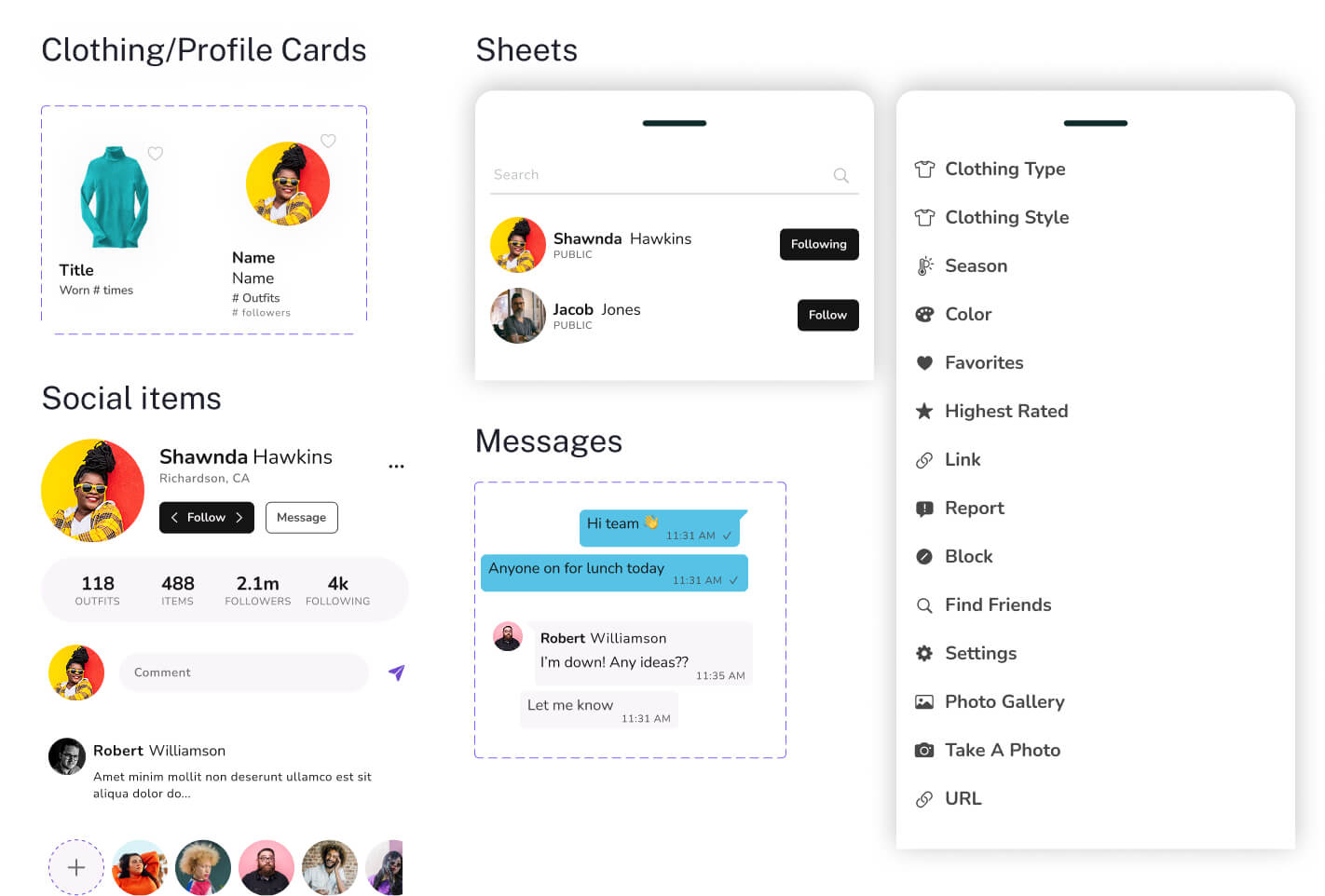
• Single-App Loop: Integrated a native feed with friend lookbooks and garment tags, allowing users to discover and share looks without switching apps.
Colors & Font
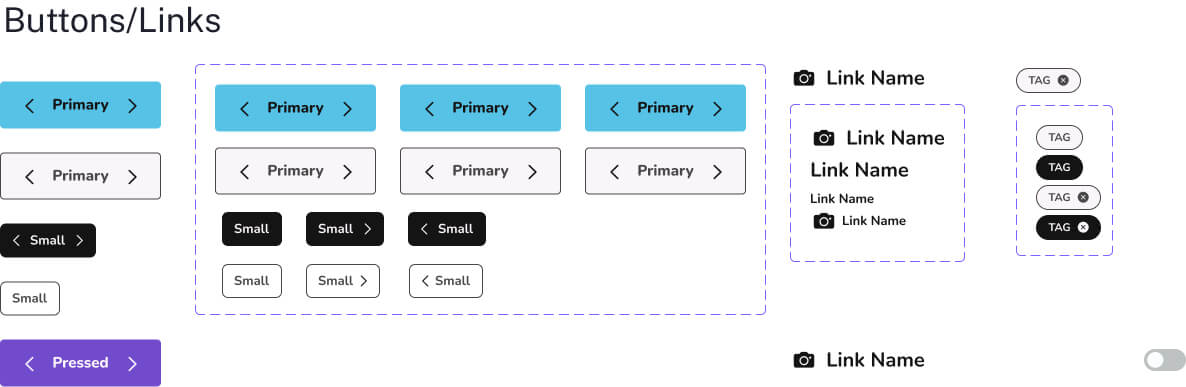
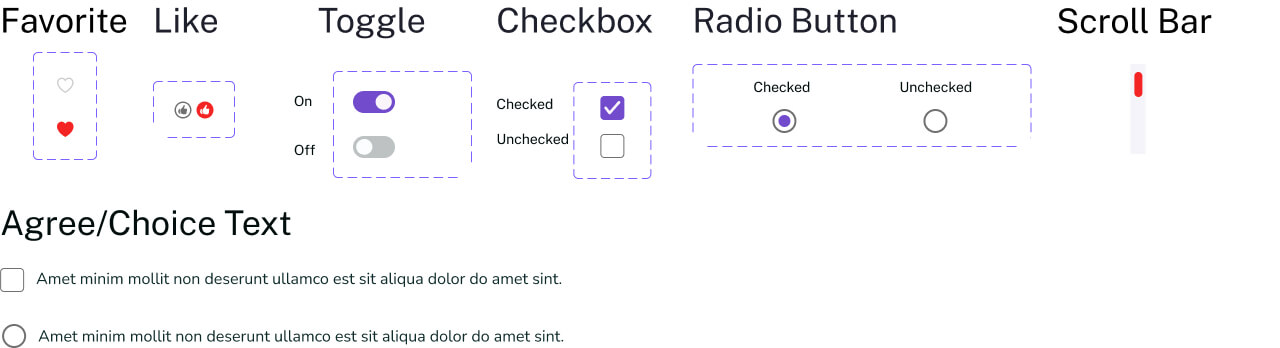
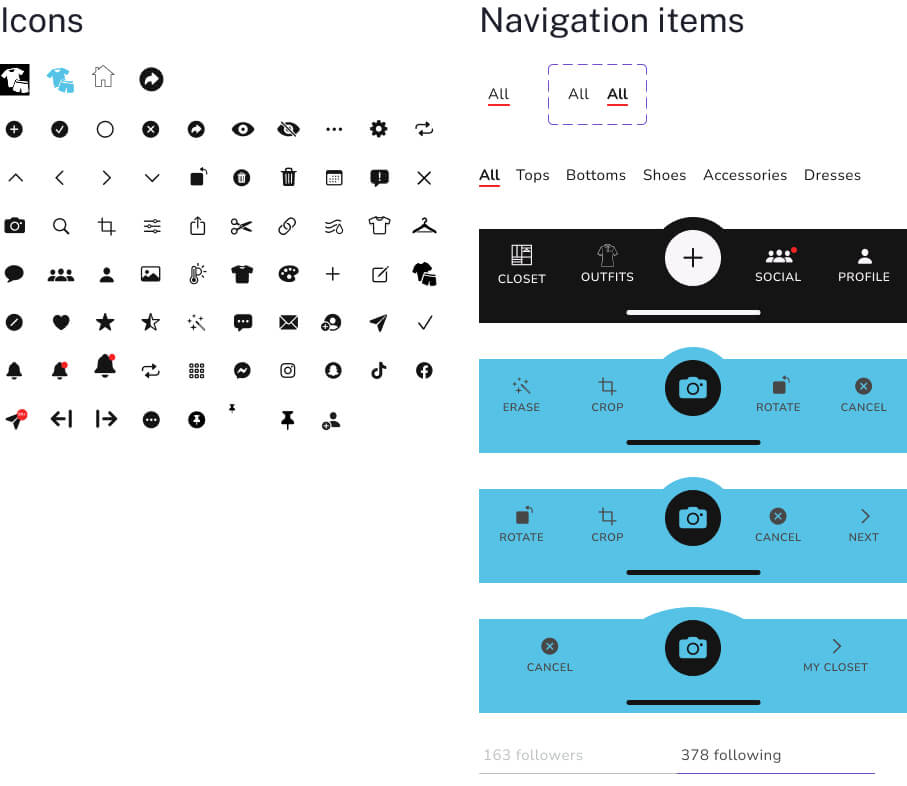
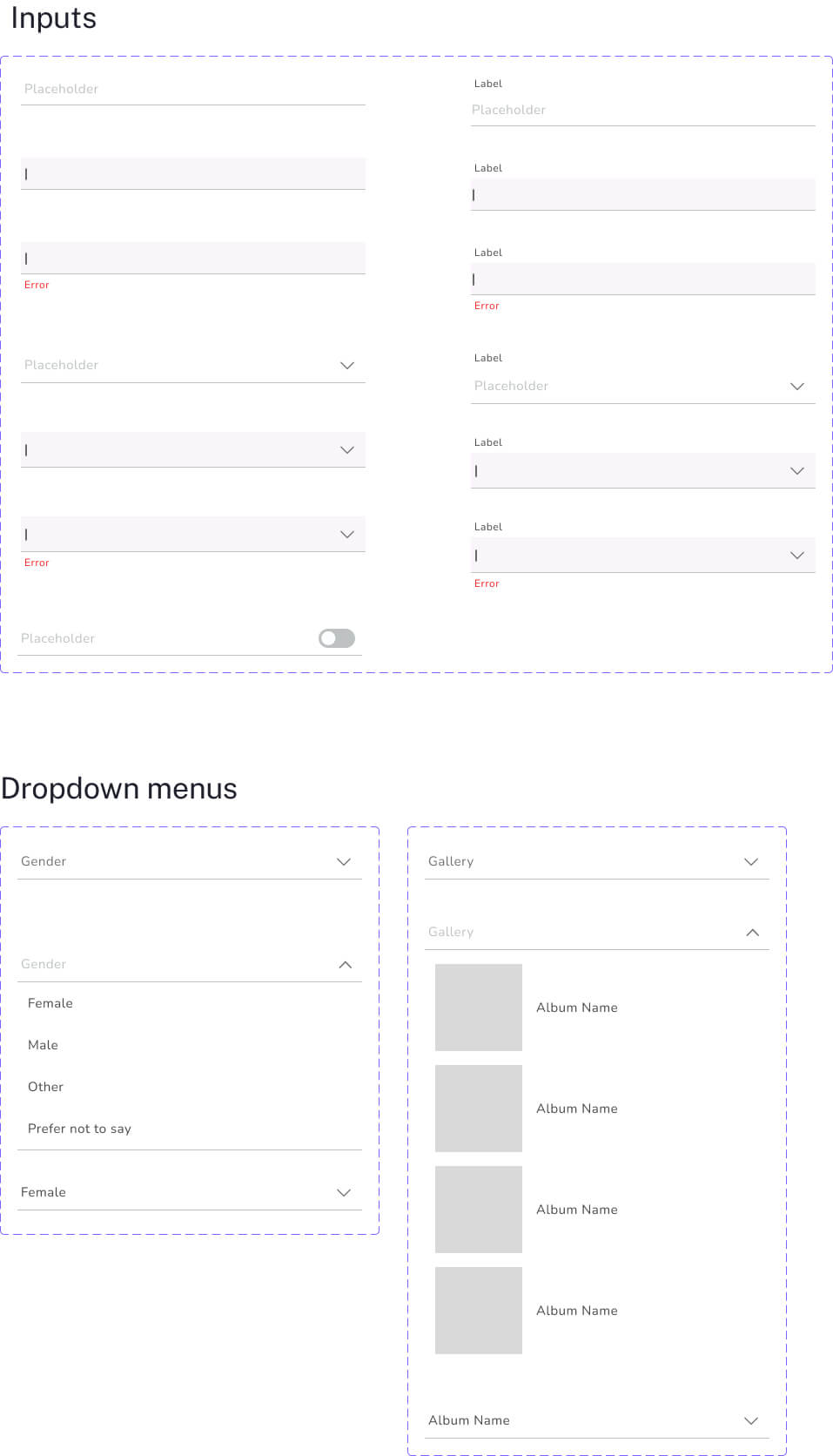
Visual Identity Rationale: For Fit Stylist, we wanted the visual identity to feel energetic, playful, and easy to approach. Vivid Sky Blue and Red Pigment bring personality and energy, while Eerie Black and Soft Magnolia keep the interface accessible and easy to navigate. The Nunito typography ties it all together with a friendly, modern feel.
Color Palette
Typography: Nunito
Chosen for its rounded, friendly letterforms, Nunito helps give Fit Stylist a playful and approachable feel while keeping the interface clean and easy to read.
Design System
App Screens